
The prices
| Monthly | Yearly | |
|---|---|---|
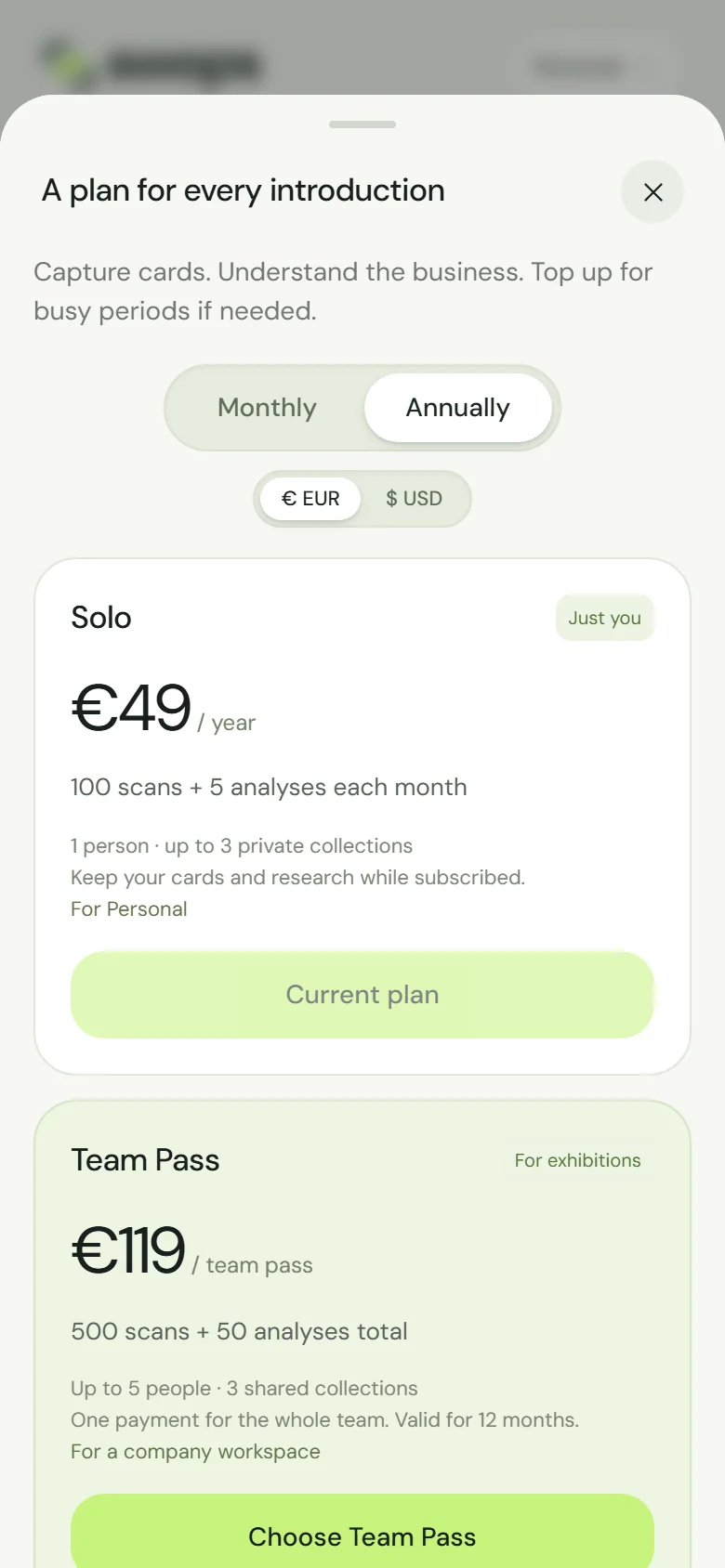
| Solo | €4.90 a month | €49 a year, which saves €9.80 |
| Business | €99 a month | €79 a month, billed yearly: one payment of €948, which saves €240 |
The allowance is monthly either way: Solo gets 100 scans and 5 analyses every month, Business 2,000 scans and 100 analyses, with the same rollover (Rollover and expiry). A Team Pass is a single payment, so it has no billing period.
Choose when you buy
The Monthly | Annually switch at the top of the Plans sheet sets the billing for Solo and Business. See Choose a plan and pay.
Switch later
Only the owner can switch, while the subscription is active.
Open the workspace (your personal space for Solo) and go to Account›Change monthly / yearly billing, under Billing & access.
The sheet, for example Business billing, says when your current period ends and that “A billing change starts at your next renewal. There is no charge today.” It also shows the new price, for example “Yearly: €79 per month, billed yearly · save €240. Your next renewal charges €948.” and that your monthly allowance stays the same.
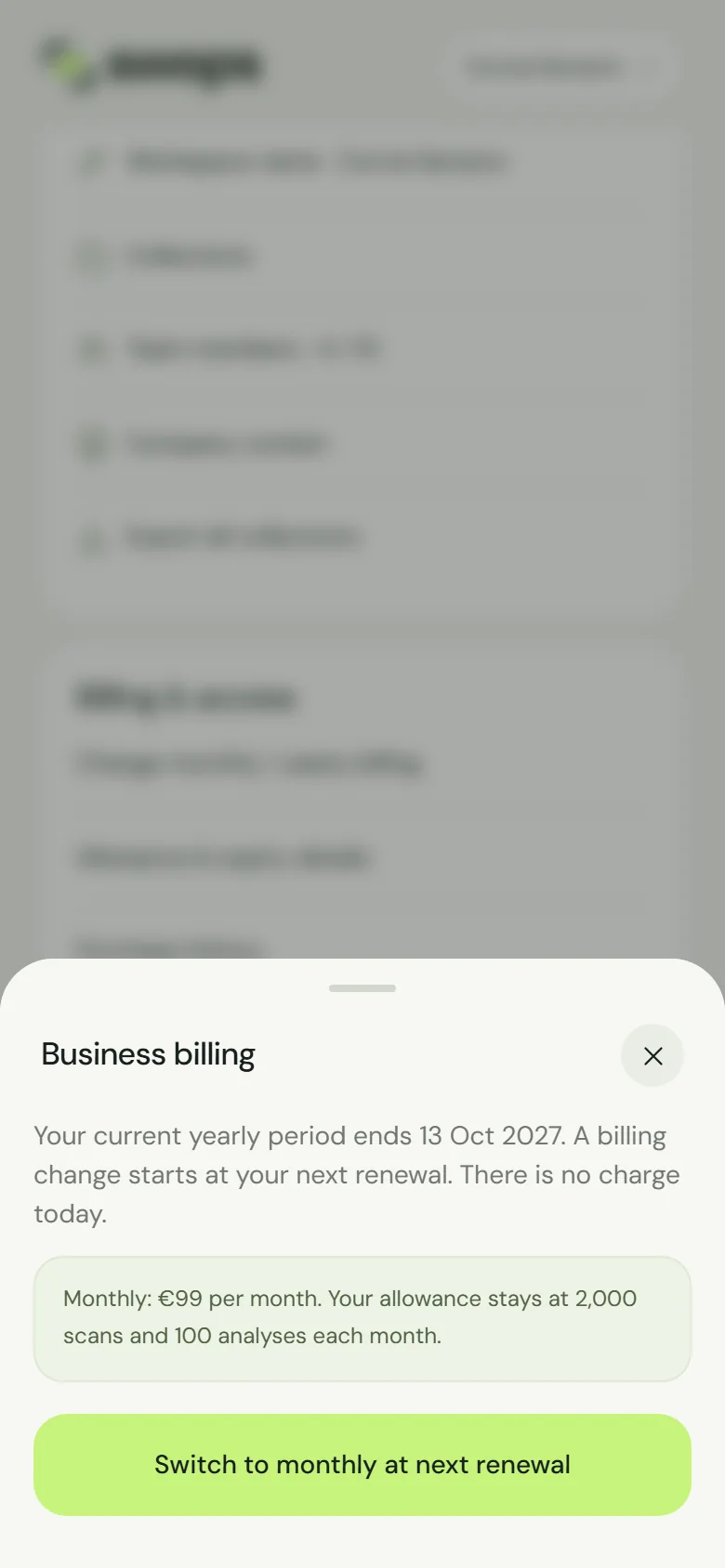
Switching Business from yearly to monthly at the next renewal. Tap Switch to yearly at next renewal (or Switch to monthly at next renewal). Swops confirms: Billing change scheduled for 13 Oct 2027.
Until then, nothing changes. The row now reads Billing change scheduled · review, and the plan card says, for example, Switches to yearly billing on 13 Oct 2027.
Change your mind
Open Billing change scheduled · review and tap Keep current billing instead. Swops confirms: Billing change removed.
Good to know
- No part-period charges or credits. You finish the period you paid for at the old price. The next renewal charges the new one.
- Cancelled renewal? The sheet says “Resume your subscription before scheduling a billing change.” Tap Keep subscription first. Cancelling a renewal also removes a scheduled switch. See Cancel or resume a subscription.
- In the Plans sheet your own plan shows Current plan in either billing, so switching is always done from Account.
- Discount codes. A code that applies to every renewal carries over to the new billing. A code for a set number of months stops at the switch. See Discount codes.
- Purchase history shows each renewal with its billing, for example Business (yearly) renewal.