
 Elena MarshPartnerships · Forma Studio
The features
A business card scanner, badge capture and AI company research in one focused workflow. Simple in the moment. Useful long after it.
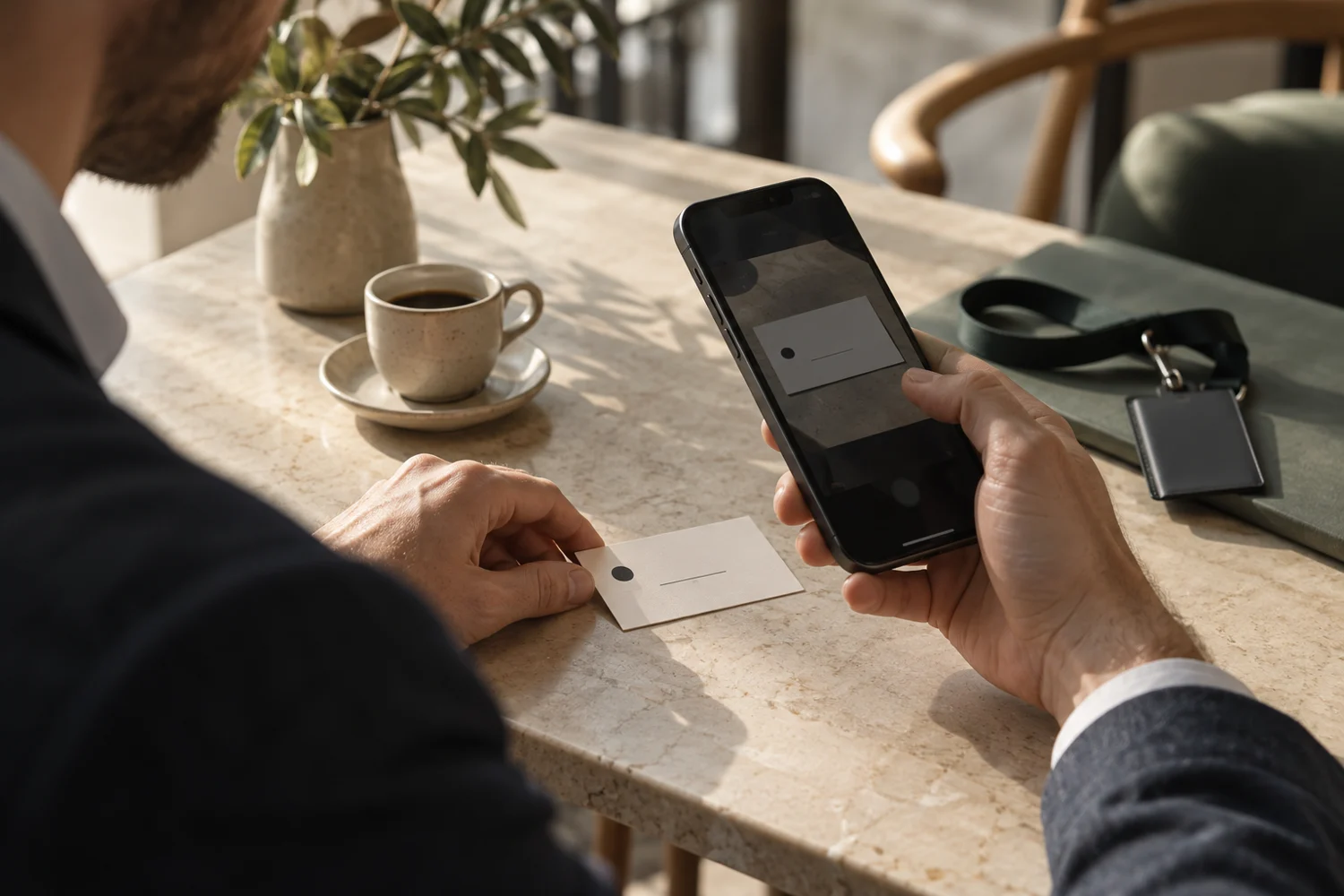
Point your camera at a business card or event badge. Swops captures the contact information and saves it straight away, leaving you free to keep talking.
Name, company, job title, email, phone and website: capture the details available on the card, then review them in a clear contact view.
At a conference or exhibition, the details may be on a badge. Capture them in the same flow and add anything missing while you are together.
There is no extra save step for the initial scan. A clear confirmation lets you know the contact is in your collection.
Details are directly editable. Make a correction or add missing information, then save the changes.
Add a note, rating or priority while the conversation is fresh. Type or dictate notes using your phone’s keyboard. Copy an email address or phone number with a tap.
AI business research turns a company name or website into a brief you can flash-read during a conversation. Request one for the businesses you want to explore in more depth.
The analysis opens in a spacious panel, giving you an overview first and more depth when you need it. Read the key points, expand a section and explore the sources.
AI summaries can miss details or interpret them incorrectly. Sources and dates help you judge what is useful; the brief supports your judgment.
A clearer picture of the business helps you shape your next question.
A B2B supplier helping multi-site businesses source and manage workplace equipment. Its operat...
Company website · example sourceA new partner programme points to an expanding distribution network, with opport...
Company announcement · example sourceYour focus on distribution partnerships makes its partner programme a useful area to explore in conversation.
AI interpretation · based on your company contextExcerpt from a fictional example. Your reports include sources and company context.
03 / Your business matters, too.
The same company can mean something different to a manufacturer, a consultant or a distributor. Add your company context once, or let Swops draft it from your website, so every analysis has a relevant starting point.
Your company profile helps connect public information to what you do. There are no built-in assumptions about your industry or who makes a good customer.
The context connection
What you offer.
Who you serve.
What matters to you.
What they do.
Public information.
Relevant signals.
A useful connection between the research and your business.
Keep everyday introductions in your personal space. Create shared collections for an exhibition, conference or team networking event.
Collections keep contacts, notes and saved research together around a real context. The event. The meeting. The group of people you were there to meet.
Team members have their own logins and share the company’s allowance. Your personal collections stay separate from the company workspace.
A personal collection gives you a place for your own introductions. A team plan covers company activity; it does not merge your personal contacts into the workspace.
One person may scan more, another may research more. The team draws from the same pool, rather than separate per-person scan quotas.
05 / Ready for what comes next.
Export a collection to CSV when you want to work in a spreadsheet or move the details into your own process or CRM.
Contact details, notes, ratings and saved analysis text travel with the export. Open the file in Excel or Google Sheets, or prepare it for the systems your business already uses.
06 / At hand, wherever you meet.
Use Swops on mobile to capture in the moment. Open it in your laptop browser when you want more room to review contacts, collections and research.
Swops is a Progressive Web App. Add it to your phone’s home screen for a familiar, one-tap way to open it. No app-store download is needed.
A simple way to exchange your card, and a thoughtful way to stay in their inbox.
Elena MarshPartnerships · Forma StudioContact and email previews use fictional details.
Instant follow-up, explained
Write your message once in Account and switch on follow-up emails. Swops personalises it with the recipient’s first name and sends it after you scan their card.
The email includes your details and your .vcf contact card. Recipients see your name “via Swops”, so it is clear who the message is from.
Complete My Card and write a short message that sounds like you.
Switch follow-up emails on or off whenever you need.
A direct introduction after meeting someone, available on Team Pass and Business.
The useful details
Yes. Use Swops to capture details from business cards and event badges. Always review the saved details: the information available depends on what is present on the card or badge.
No. Capture and analysis are separate actions. Save the contact first, then choose whether to use an analysis credit to research its business.
Yes. Contact fields are directly editable. Correct a name, add a missing email address, or update your notes and priority, then save your changes.
Yes. Saved research remains available with the contact. Opening an existing report, or reusing it for another contact at the same company within your workspace, does not use another analysis. Requesting fresh research does.
No. Contact details and research are saved snapshots. Edit contact details yourself or request a fresh analysis when you need one. Check the date and sources before relying on a report.
Yes. Export a collection as CSV with contact details, notes, ratings and saved analysis text. Open the file in Excel, Google Sheets or another compatible tool.
Start with 10 scans and 2 AI analyses. Your next introduction is a good place to begin.
10 scans · 2 AI analyses · no credit card