
Same numbers, two currencies
Swops sells in euros and in US dollars, at the same numbers: a month of Solo is 4.90 in either currency, a Team Pass 119. What differs is how tax works.
- In euros, prices include VAT. The price you see is the price you pay. The Plans sheet says so: Prices include VAT.
- In US dollars, any sales tax is added at checkout. The review step shows Price rather than Total, and a subscription’s terms say “plus any sales tax”.
Either way, the checkout shows the full amount, tax included, before you pay. Link, which sells Swops as the merchant of record, works out and collects the right VAT or sales tax for where you are. See Who is Link, and why is it on my bill?.
How Swops picks your currency
Swops sets your currency once, the first time you sign in:
If you came from swops.ai, the currency you chose on the website.
Otherwise, where you are: euros in the EU and most of the rest of Europe, including the UK, Switzerland and Norway; US dollars everywhere else.
Swops sets its prices in these two currencies only, so customers in the UK and Switzerland see euros rather than pounds or francs. You can switch to dollars if you prefer.
Switch currency
In the Plans sheet, under Monthly | Annually, tap € EUR or $ USD. Your choice is saved to your account, on every device.
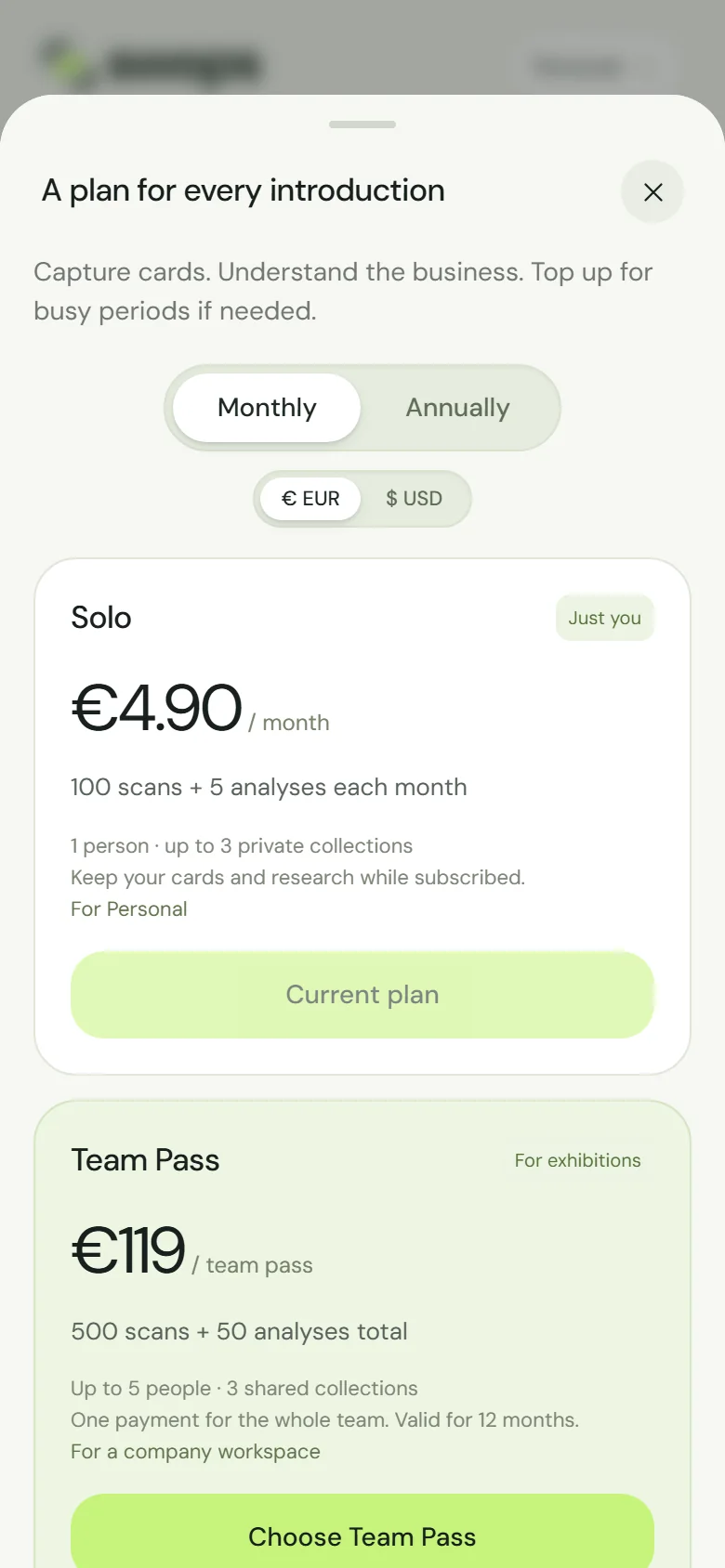
The switch shows only while a workspace you could buy for has not paid yet.
A workspace keeps its first currency
The first payment for a workspace fixes its currency. Every later payment for that workspace, such as renewals, top-ups and plan changes, uses the same currency, whatever the switch says. (A subscription’s currency cannot be changed once it has started.) Your personal space and each company workspace can each have their own.
Good to know
- Invoices are issued by Link. For your company details or VAT number on an invoice, see Invoices and receipts.
- The amounts in Purchase history are in the currency of each payment.