Contact details instantly captured.
Scan a card or badge straight into your event collection. Leave the clipboard, stapler and manual entry behind.

Event lead capture for exhibitions & trade fairs
Capture business cards and badges, understand the companies you meet and bring your whole booth team’s leads together.
Try it free. Use the phones your team already has.

Give your booth team one simple way to capture contacts, understand businesses and share what matters.
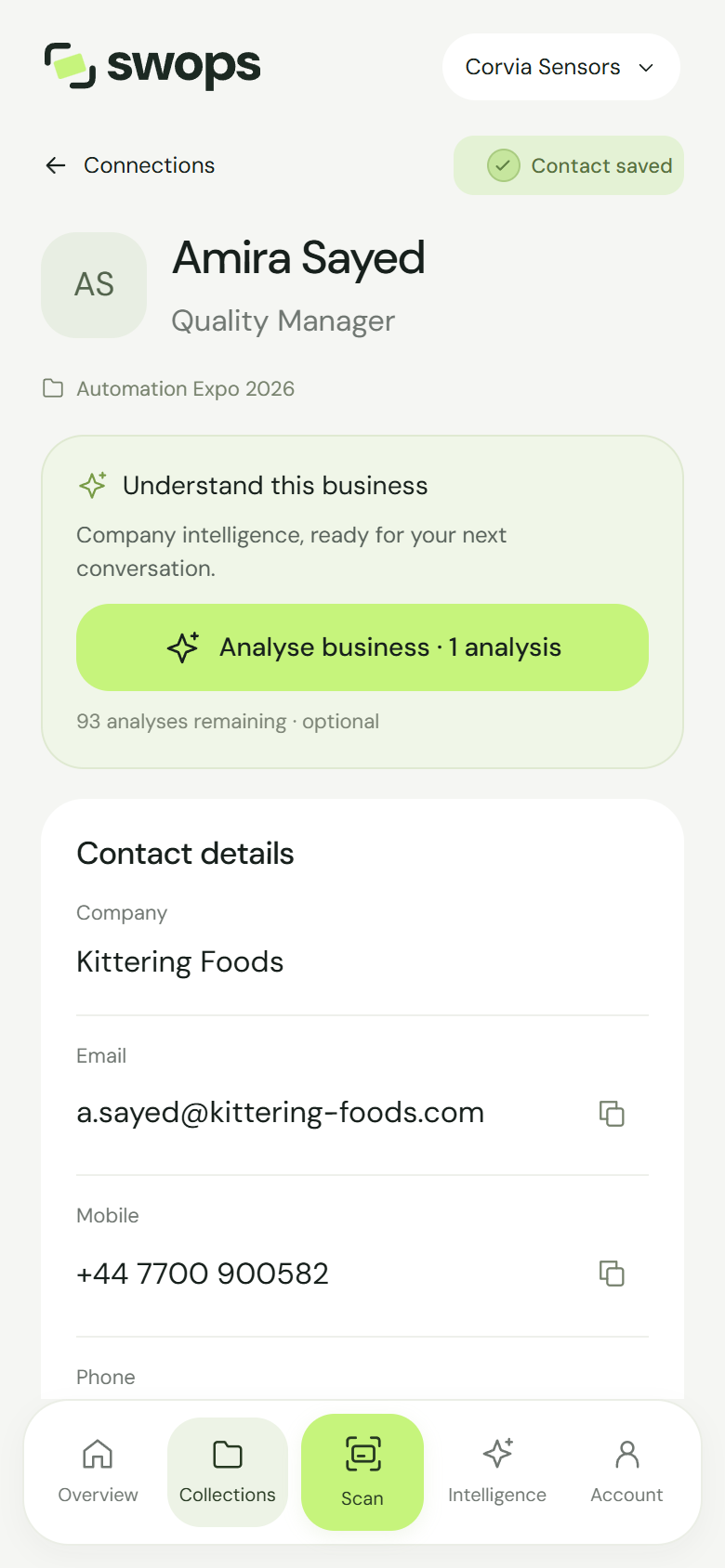
Scan a card or badge straight into your event collection. Leave the clipboard, stapler and manual entry behind.
Get live AI business intelligence while you’re talking, with useful context for your next question.
Keep contacts, notes and research together. Review on your laptop and export one CSV for the team.
From the first visitor to the evening handover, Swops fits around the way a small booth team works.
Playback could not start. Please use the video controls or open the video directly.
Create the event collection and invite your colleagues. Everyone signs in with their own email. Set up your company context and, if you want it, your follow-up message.
The initial scan saves the contact. Mark it Hot, Warm or Cold and add a note about the conversation. Type or dictate through your phone’s keyboard, then save your additions.
Request AI research for the companies you want to know more about. Learn what they do, what stands out and how they may connect with your own business.
With instant follow-up enabled, Swops sends your message and contact card by email. The person you just met has a simple way to keep your details.
Review the collection together. Export the contacts, notes, priorities and AI research as a CSV for Excel or your CRM import process.
Planning your next show?Read the event checklist
Business intelligence, on the exhibition floor
Get a useful picture of the company while the conversation is still happening. What they do. What is worth knowing. Why they may matter to you.
Your company context gives the research a relevant starting point. Swops can draft it from your website, then use it to connect each business brief to what you offer.
A B2B supplier helping multi-site businesses source and manage workplace equipment. Its operat...
Company website · example sourceA new partner programme points to an expanding distribution network, with opport...
Company announcement · example sourceYour focus on distribution partnerships makes its partner programme a useful area to explore in conversation.
AI interpretation · based on your company contextExcerpt from a fictional example. Your reports include sources and company context.
Made for booth teams
Each team member captures on their own phone. The event’s contacts live in the same shared collection.
One colleague may scan more, another may research more. Everyone draws from the company’s pooled allowance. Personal collections remain separate from the workspace.
A shared collection, illustrated with fictional contacts.
Instant follow-up
Let the introduction continue in their inbox. Your message, your contact details and your card as a .vcf file, sent before they reach the next stand.
Write the message once and enable follow-up. Swops personalises it with the recipient’s first name and sends it as your name “via Swops”. Available on Team Pass and Business.
How follow-up emails workHi Alex,
It was lovely to meet you today. Here are my details so we can keep the conversation going.
Best,
Elena

From the booth to the people who follow through
Export one collection or all of them. Your CSV includes contact details, priorities, notes and the saved AI analysis, including In more depth.
Open it in Excel, share it with colleagues or prepare it for your CRM’s import process. There is no extra export charge.
Archive a finished collection to make it read-only. It stays exportable during your plan’s access period; archiving does not extend data retention.
Playback could not start. Please use the video controls or open the video directly.
Choose a pass for occasional shows or a subscription for teams that are always meeting people. The company pays once for the team.
Team Pass · for an event or a few
One payment. Valid for 12 months. No automatic renewal.
Business · for teams all year round
Or €79/month, billed yearly. One company bill.
EUR prices include VAT. Allowances are shared team totals. Top-ups require an active paid plan.
Prices in US dollars?
Before your next show
Yes. Team Pass includes up to 5 people and Business up to 10. Each person has their own login, and your company shares one allowance of scans and AI analyses.
Yes. Swops reads the contact details visible on business cards and event badges. Review the result and add missing details. Badge capture does not imply access to an organiser’s private attendee database.
No special hardware is needed. Use your phone camera in Swops, upload an existing photo or add a contact manually. Swops runs in the browser and can be added to your phone’s home screen.
Once you have enabled the feature and written your message, Swops sends it after a card scan, personalised with the recipient’s first name and accompanied by your contact card. The feature is included in Team Pass and Business.
You can export a CSV with contacts, notes, priorities and saved AI research, then prepare it for your CRM’s import requirements. Your CRM’s supported fields determine how you map the exported information.
No. €119 covers the whole team of up to 5 people for 12 months, with 500 scans and 50 analyses in one shared pool. It does not renew automatically.
Review and export your collection when you need it. You can archive it as read-only. Team Pass has 12 months of access, followed by 30 days to view and export before deletion. The free trial has no additional export window after it ends.
Start with 10 scans and 2 AI analyses. No credit card required.
10 scans · 2 AI analyses · no credit card