
Before you start
- Only the owner can delete a company workspace.
Only without an active plan. The workspace must have no plan yet, or its paid access must have ended (the 30-day export window). While a plan runs, the Delete this workspace row does not appear at all.
- Team Pass runs for its 12 months. After that, the workspace is in its export window and you can delete it.
- Business: cancel the renewal first (Cancel or resume a subscription). Access continues to the end of the paid period; after that you can delete it.
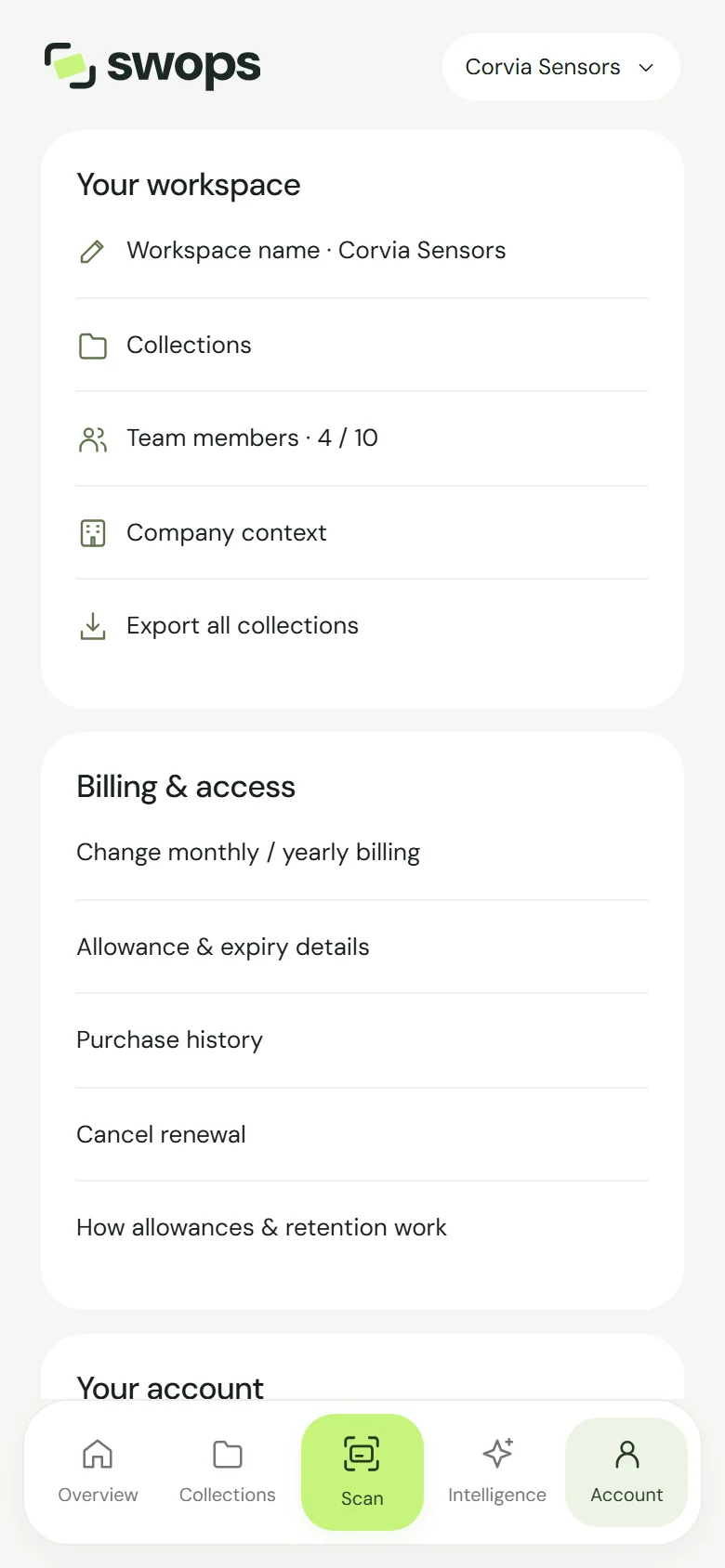
- Export first. Deleting cannot be undone. Anyone in the team can export: Account›Your workspace›Export all collections. See Export contacts to a CSV file.
Delete it
Switch to the workspace.
Open Account›Your workspace and tap Delete this workspace. On the laptop: Plan & billing, then Your workspace.
Read the confirmation: "… will be removed for everyone, with its collections, contacts, research and company context. Purchase records stay. This cannot be undone."
Tap Delete workspace, or Keep workspace to stop. You will see Workspace deleted and Swops takes you back to your personal space.
What is deleted, and what stays
| Deleted, for everyone | Kept |
|---|---|
| Collections and contacts, with notes and priorities | Purchase records, for accounting |
| Card photos | Your personal space |
| Business analyses and the company context | Everyone’s own Swops account and My card |
| Pending invitations and the remaining allowance |
Members lose access straight away. If a subscription for the workspace is still running with the payment provider, for example while a failed renewal is being retried, deleting the workspace cancels it, without a refund.
Do I have to delete it?
No. When paid access ends and the 30-day export window passes, Swops deletes the contents by itself. Deleting it yourself is for when you want it gone sooner, or for a workspace you created but never used. See What happens when a plan ends.
Good to know
- Your personal space cannot be deleted. To remove it, you delete your account: Delete your account.
- Deleting your account? If you own a company workspace, Swops asks you to delete it first.
- Need it gone while the plan is still active? Contact us with the owner’s email address and the workspace name.