
Steps
Tap the workspace name at the top of the screen (on the laptop, at the top left of the page). Your spaces opens.
Tap Create a company workspace. The sheet New company workspace opens.
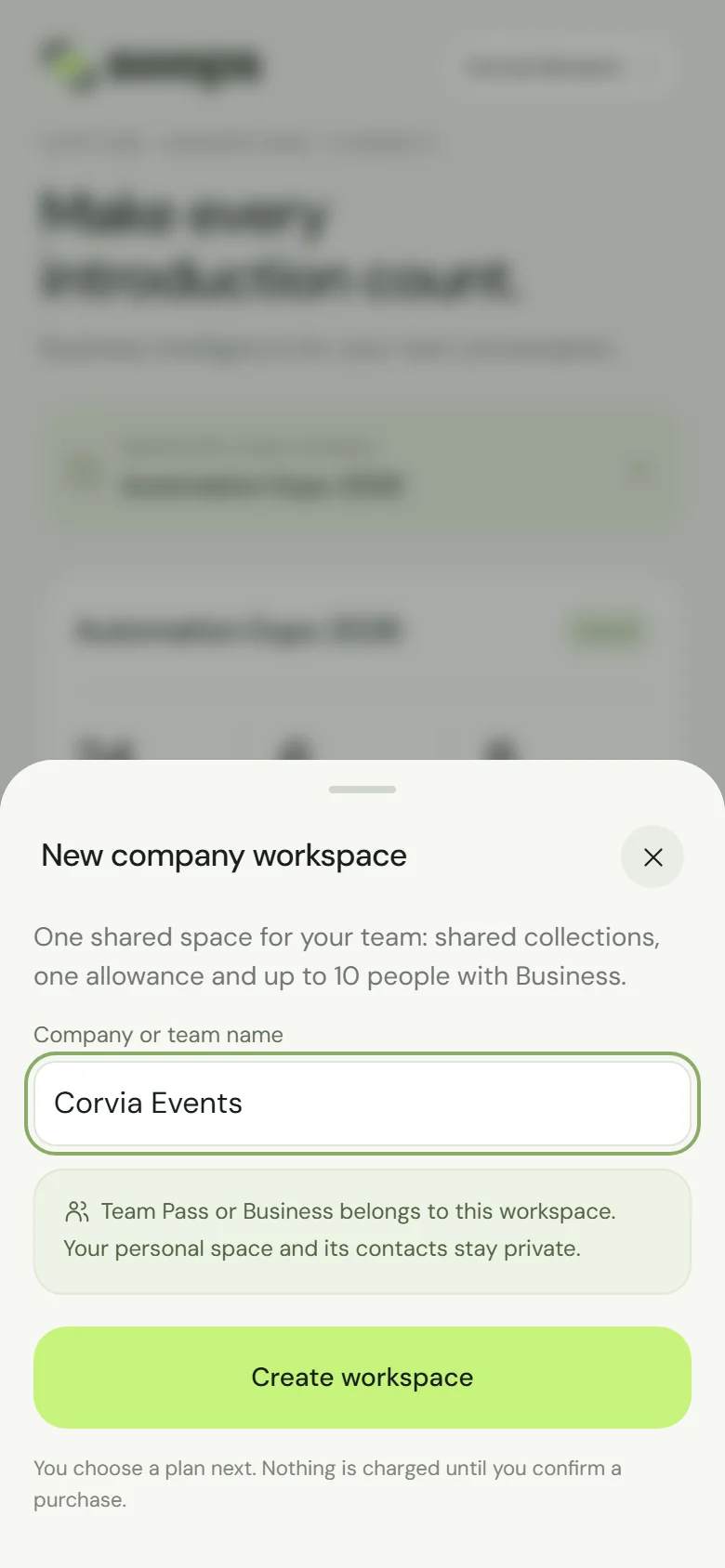
Name it after your company or team. Type the company or team name. Everyone in the workspace will see it.
Tap Create workspace.
Swops switches to the new workspace and opens the plans. Tap Choose Team Pass or Choose Business, check the review and pay. Step by step: Choose a plan and pay.
You are now the workspace owner. Next, bring your colleagues in: Invite your team.
Choosing Team Pass or Business while you are in your personal space gets you to the same place. If you own no company workspace yet, Swops opens New company workspace straight away; if you do, it asks Choose a company workspace and offers Create a company workspace too.
Team Pass or Business?
| Team Pass | Business | |
|---|---|---|
| Price | €119, paid once, for 12 months | €99 a month, or €79 a month billed yearly (€948) |
| People | Up to 5 | Up to 10 |
| Allowance | 500 scans + 50 analyses for the pass | 2,000 scans + 100 analyses each month |
| Collections | 3 per pass | Unlimited |
| Renewal | Never automatic | Renews until you cancel |
Team Pass suits an event or a few. Business suits teams that meet people all year. Both include the instant follow-up email. More detail: Plans at a glance.
Before you buy
- No free trial. A company workspace starts with a Team Pass or Business. The free trial is for your personal space.
- No plan yet. Until you buy, the workspace shows "No plan yet" and a banner: Choose a plan to start using this workspace. with Choose a plan. You cannot add contacts or invite anyone until then.
- Nothing is charged until you confirm a purchase. Changed your mind? As the owner you can delete a workspace without a plan: Delete a company workspace.
Good to know
- When the plan starts, the workspace gets its first collection, My first event. On a Team Pass it counts as one of your three collections, so rename it after your show rather than creating another: Rename, archive and restore a collection.
- Your personal space and its contacts stay private and separate.
- To rename the workspace later, the owner taps Account›Your workspace›Workspace name. "Everyone in this workspace sees the new name."