
Two kinds of space
Every Swops account has a personal space, just for you. A company workspace is shared: you and your colleagues scan into the same collections and use one allowance.
| Personal space | Company workspace | |
|---|---|---|
| Who | Only you | The owner and the members they invite |
| Name | "Personal" | The company or team name you choose |
| Plans | Free trial, Solo | Team Pass, Business |
| People | Just you | Up to 5 with Team Pass, up to 10 with Business |
| How you get one | Every account has one from the first sign-in | Create one, or accept an invitation |
| Can it be deleted? | Only by deleting your account | Yes, by the owner, once no plan is active |
What never moves between them
In the app’s own words: "Your personal space and each company workspace are kept apart: contacts, notes, research, company context and allowances never move between them."
In practice:
- A contact stays in the workspace where it was saved.
- A saved business analysis is shared within its workspace only. Analysing the same company in another workspace is a new analysis.
- Each space has its own plan and allowance. A Team Pass for your company does not upgrade your personal space, and your personal Solo allowance is not used in the company workspace.
- Your colleagues never see your personal space.
What goes with you everywhere
Some things belong to you, not to a workspace: your sign-in, your name, My card and your follow-up email setting. They are the same whichever space you are in.
How many can I have?
One personal space per account. You can create or join more than one company workspace, for example one for each company you work with. Each has its own plan, allowance and team.
Which one am I in?
The current workspace name is always at the top: on the right on the phone, at the top left of the page on the laptop. Tap it to see all your spaces and switch: Switch between workspaces.
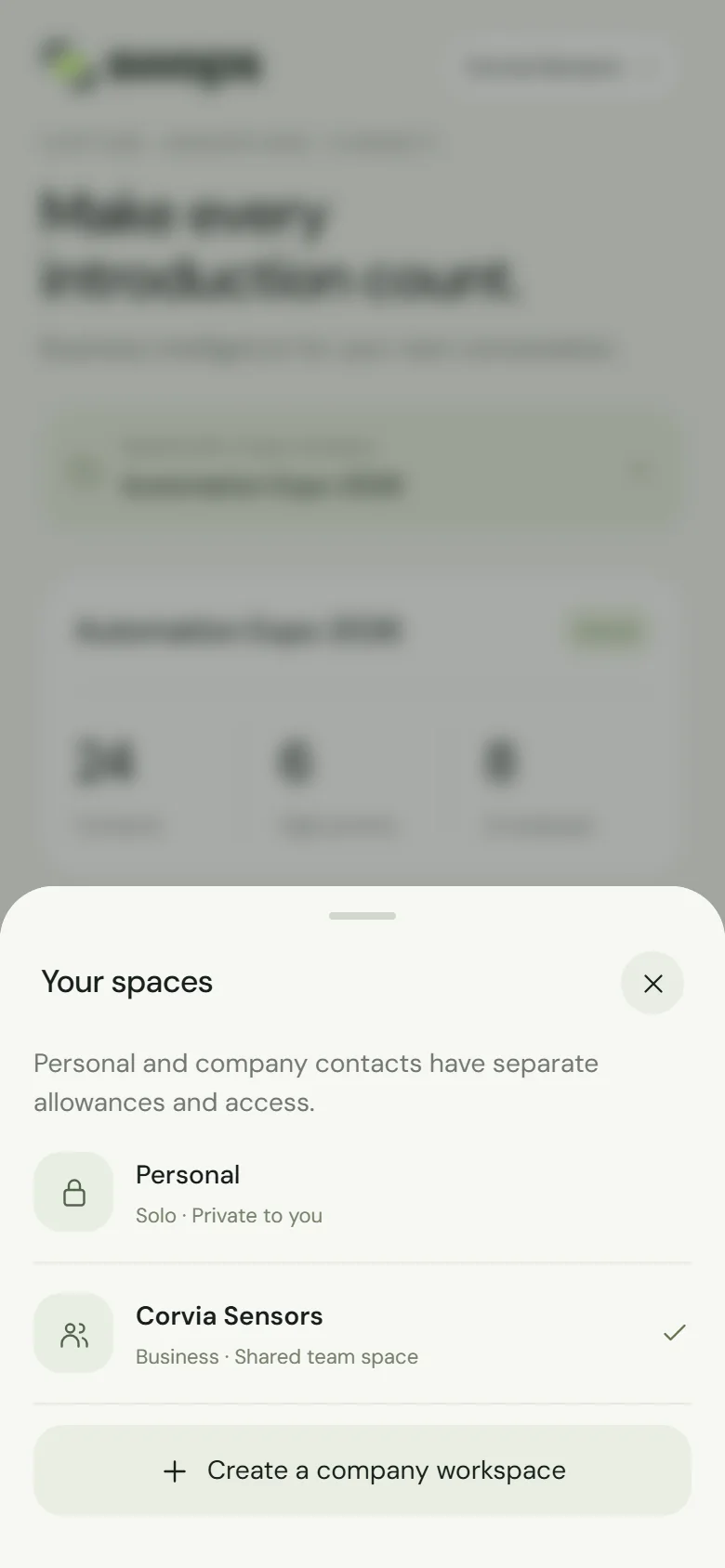
On the phone’s Overview, the line above the collection name also tells you: Private · only you in your personal space, Shared with 4 team members in a company workspace.
Contacts cannot be moved from your personal space into a company workspace later. If the cards you scan belong to the company, create the company workspace first and scan there. See Create a company workspace.