
From top to bottom
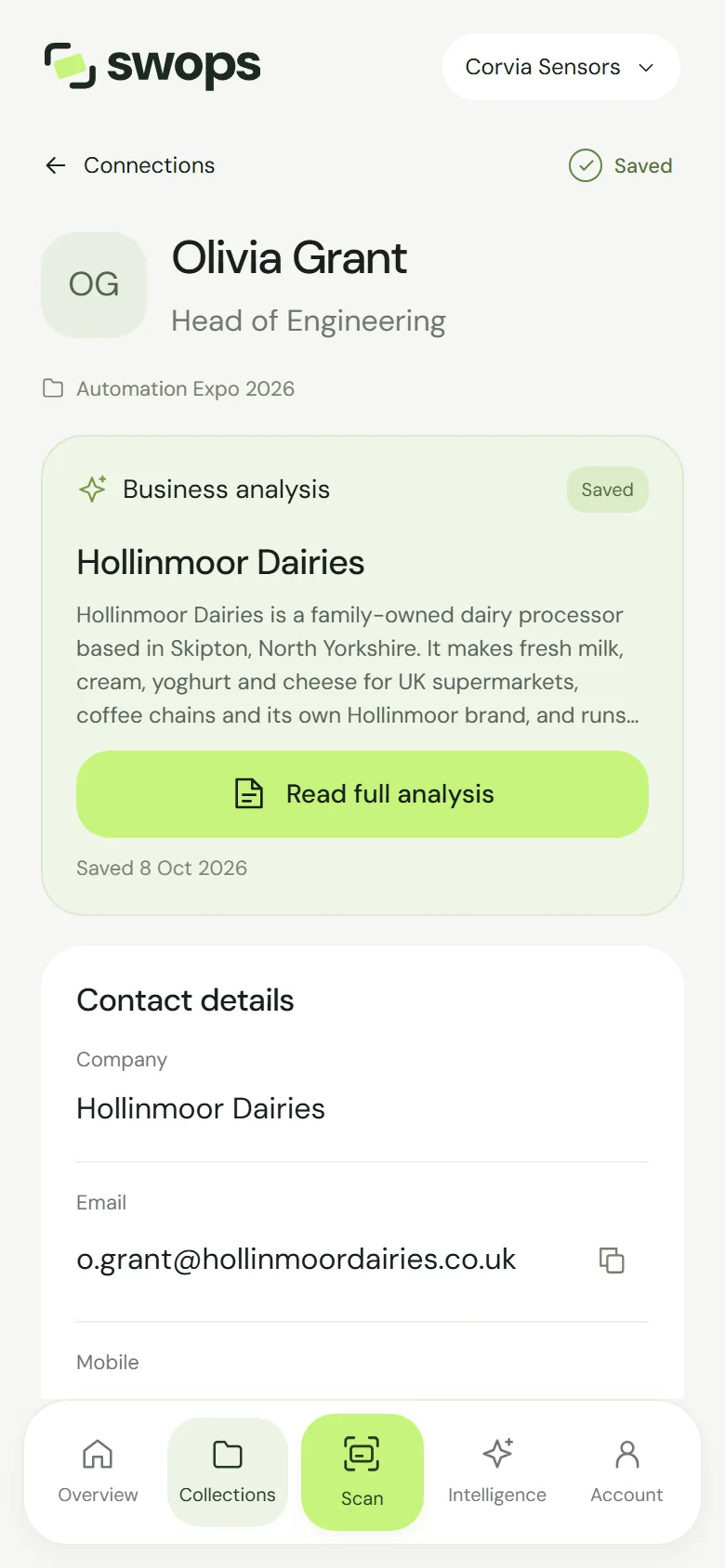
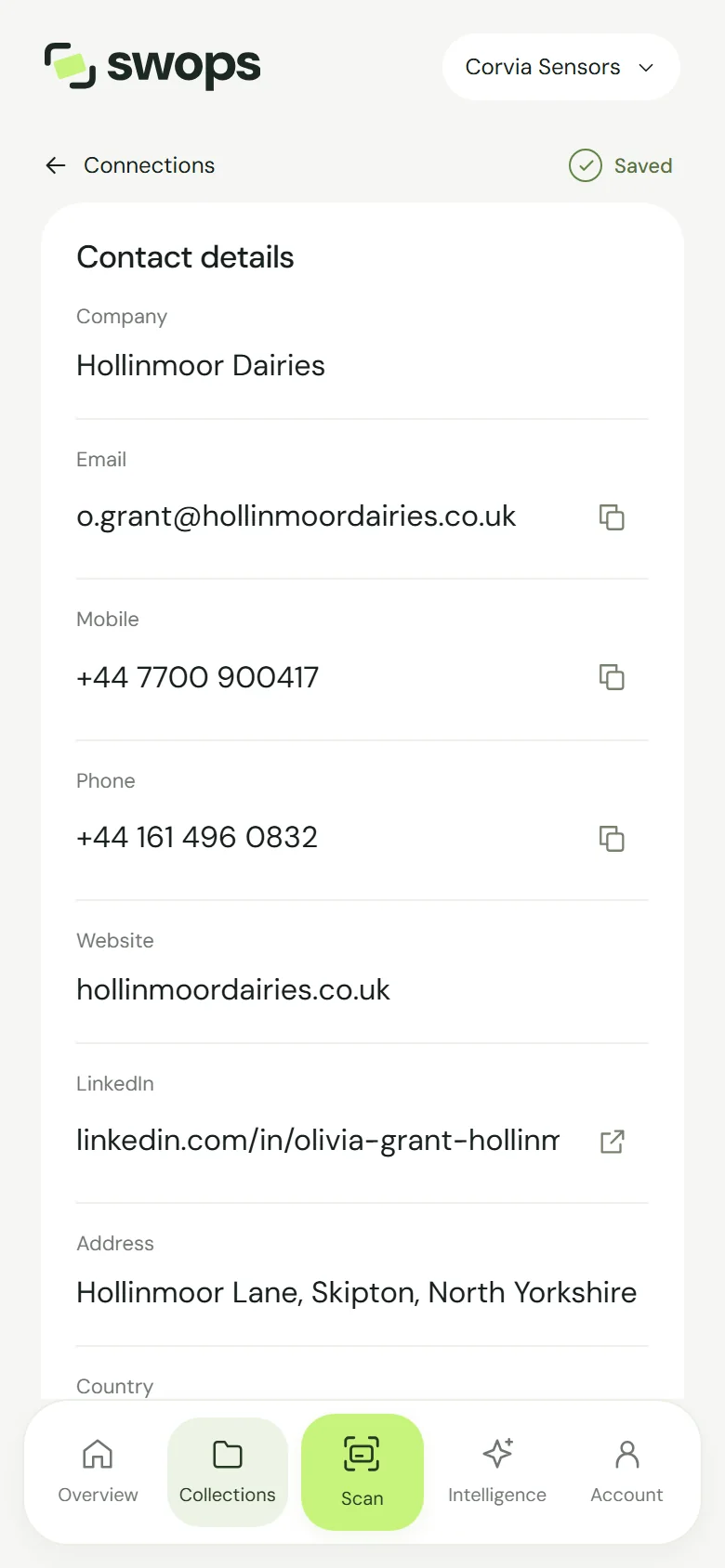
Name and job title. Tap to edit.
Collection. The collection the contact is in (with “Read-only” when it cannot be changed).
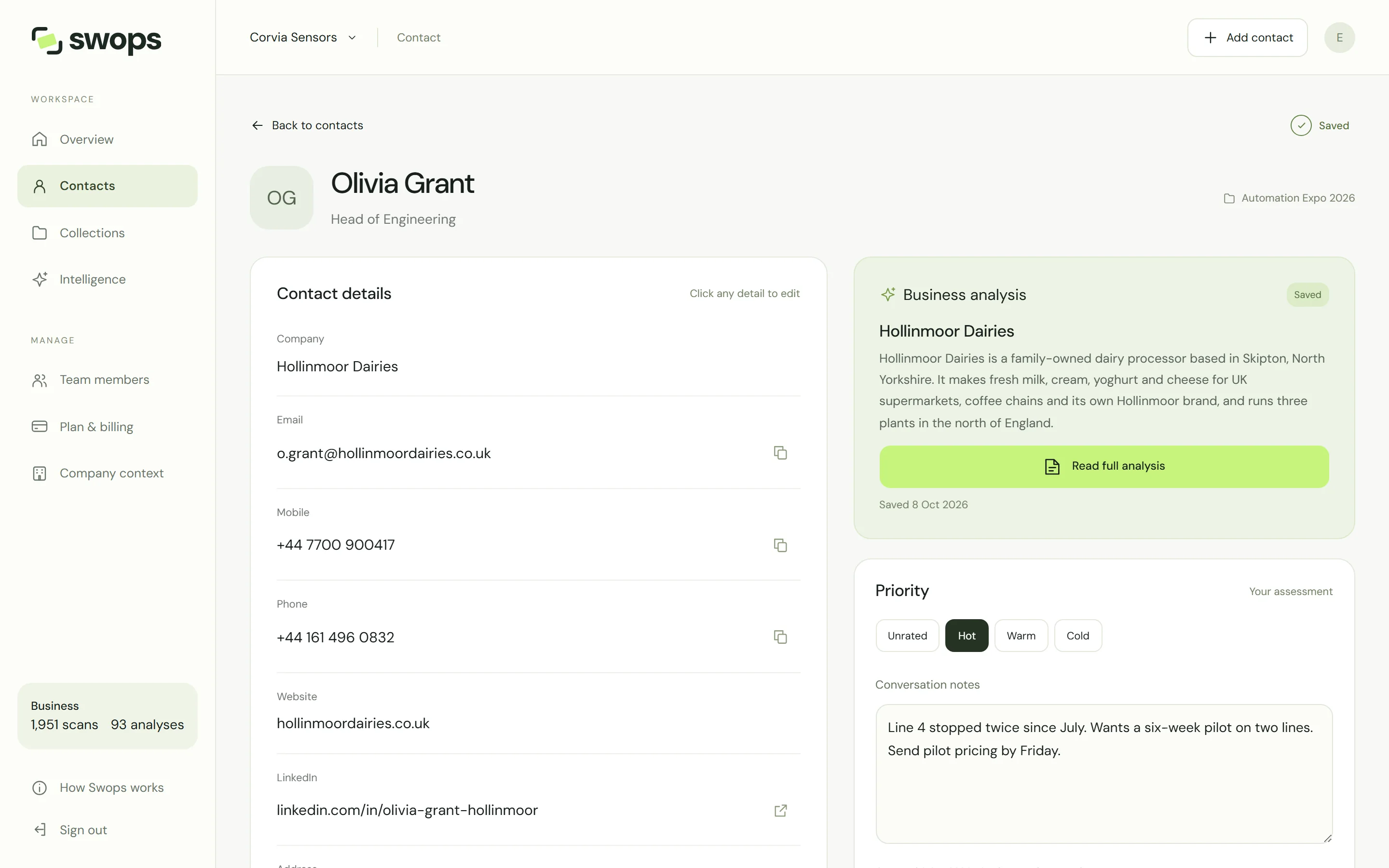
Business analysis. Analyse business · 1 analysis, or the saved brief with Read full analysis. See Analyse a business.
Contact details. Company, email, mobile, phone, website, LinkedIn, address and country.
Priority and Conversation notes. See Priorities and conversation notes.
View attached card. The card photo, when there is one.
Captured. The date and how the contact was added: “Card scan”, “Manual entry” or “Photo attachment”. In a company workspace, also the name of the colleague who captured it.
Delete contact.
Handy buttons
- Copy beside email, mobile and phone puts the detail on your clipboard, ready for an email or a call.
- Open beside LinkedIn opens the profile in a new tab.
On the laptop
The details sit on the left; the business analysis, priority and notes on the right. Click any detail to edit.
Saving
Edits show a bar with Save changes and Discard changes. Discarding keeps the contact as it was: “Changes discarded · contact kept”.