
What is normal
| Stage | Usually ready |
|---|---|
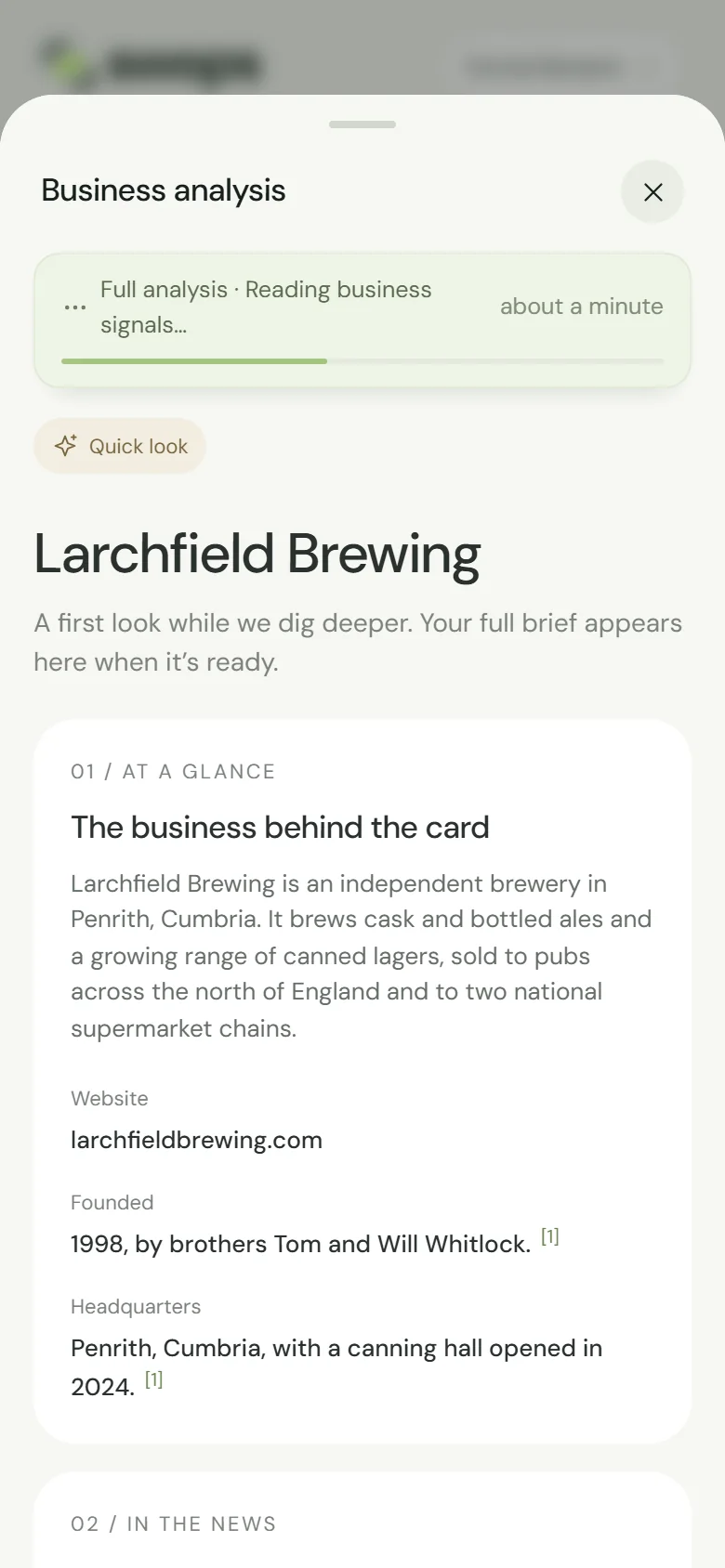
| Quick look | Within seconds |
| Full brief | A minute or two |
Now and then it takes longer. The full analysis reads the company’s own website first, then looks for recent news, and some websites are slow or large. At busy times it can take a few minutes more, and Swops keeps going by itself.
You do not have to wait
The research does not need your phone to keep going. Close the sheet and carry on: scan the next card, talk to the next visitor, lock your phone. Nothing is lost.
- Still on that contact when it finishes? A message says Business analysis ready.
- Moved on? The brief is saved anyway. Open the contact again, or find the brief in Intelligence. On the laptop, the contacts table shows Researching… and then View brief.
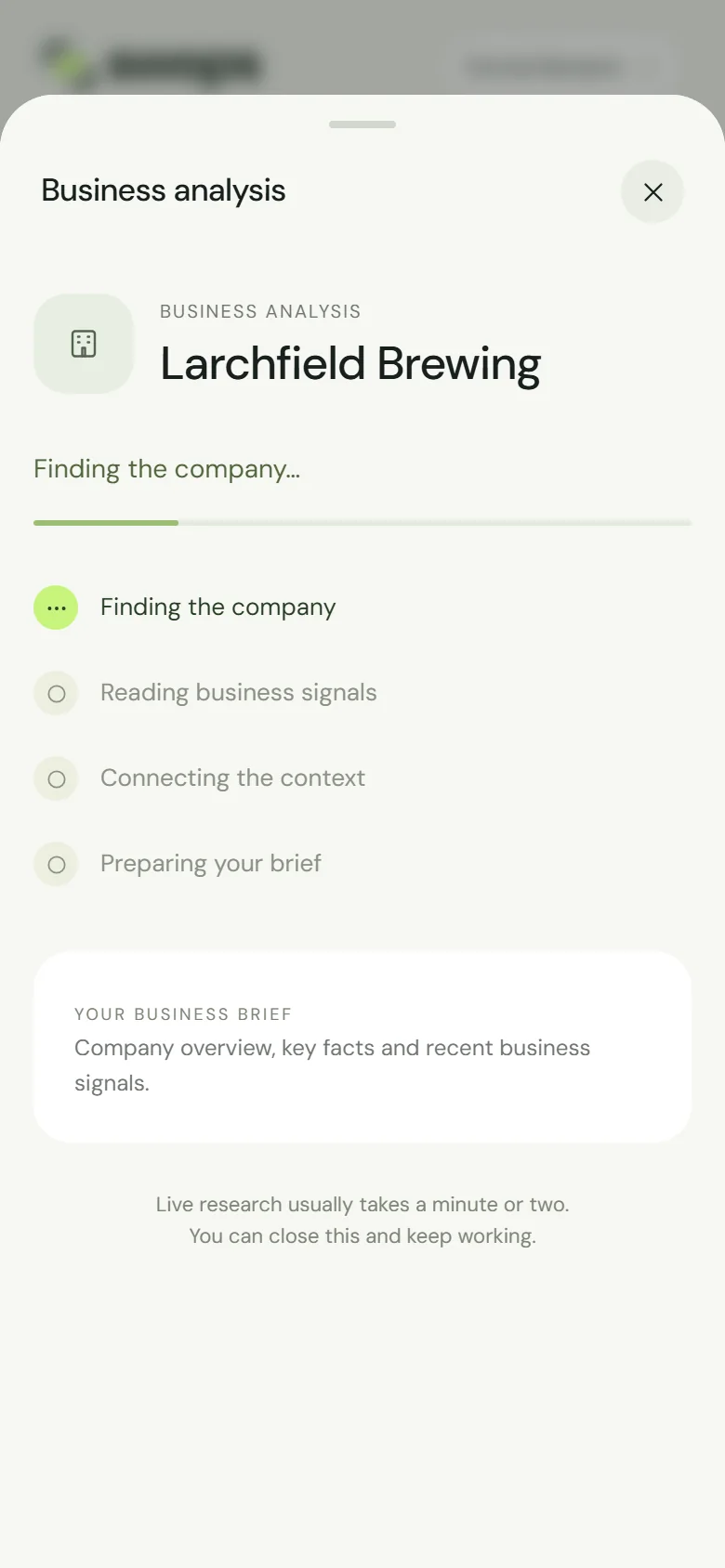
To watch it, open the contact and tap View research progress. The steps are Finding the company, Reading business signals, Connecting the context and Preparing your brief.
While it runs
The contact shows 1 analysis reserved. The analysis is used only if a brief is saved.
Tapping again does not start a second one: if an analysis for the same business is already running in your workspace, Swops shows you that one. Nothing is charged twice.
If it does not finish
You see Research did not complete. Your analysis was not used. Please try again. If the sheet was closed, a short message says Research did not complete · no analysis used. The analysis is given back automatically. Tap Try again · 1 analysis to start again, now or later.
If the quick look worked but the full analysis did not, Swops saves the quick look as your brief, with the note This is the short version: the full analysis could not finish this time, so your analysis was not used. Tap Research again for the full brief. See When research does not complete.
Messages that stop an analysis from starting
| Message | What to do |
|---|---|
| You can analyse up to 30 businesses an hour. Try again in 12 minutes. | Wait the minutes shown (they vary). See “You can scan up to 60 cards an hour”. |
| AI is paused for a short while. Nothing was charged. Please try again later. | A temporary pause for everyone. Saved briefs still open. Try again later. |
| Business analysis is not available right now because of a problem on our end. Nothing was charged. Please try again later. | The problem is on our side. Try again later. |
| Add a company name or website before researching. | Add the company or website on the contact, save, then analyse. |
| Save the updated company details before researching. | Tap Save changes first. |
Reopening is instant
Once a brief is saved, opening it again is free and immediate, from the contact or from Intelligence. Another contact at the same business in the same workspace opens the same brief. See Reopen a saved brief.