
Who is responsible for what
When you add someone to Swops, by scanning their card or typing their details, you (or your company) decide how their details are used. Under the GDPR you are the controller of that data, and Swops is your processor: it stores and handles the details on your behalf, under the Data Processing Terms (GDPR Article 28), which are part of the Terms of Service.
In practice that means:
- Use Swops lawfully. Have a legal basis for keeping the details, and give people any information the law requires.
- Keep it professional. Do not add special categories of data, such as health, religion or political views, or anything about criminal convictions, and do not add children’s details. Notes are for the business conversation.
- Answer their requests. If someone asks what you hold, or asks you to correct or delete it, that request is yours to answer. Swops gives you the tools.
Answering a request
Find the person first: search by name, company or email in each collection where they might be. On the laptop, View all searches every collection in the workspace at once. Colleagues may have saved them too, in the same workspace. See Find a contact. Opening a collection also makes it the one your next scans go to, so check the destination afterwards: Choose where new contacts go.
| They ask to | What you do |
|---|---|
| See their details | Open the contact. To give them a copy, export the collection and send them their row, or copy the details from the contact page. |
| Correct something | Edit the field on the contact and tap Save changes. |
| Be deleted | Open the contact and tap Delete contact. Their details, your notes and the attached card photo are removed. |
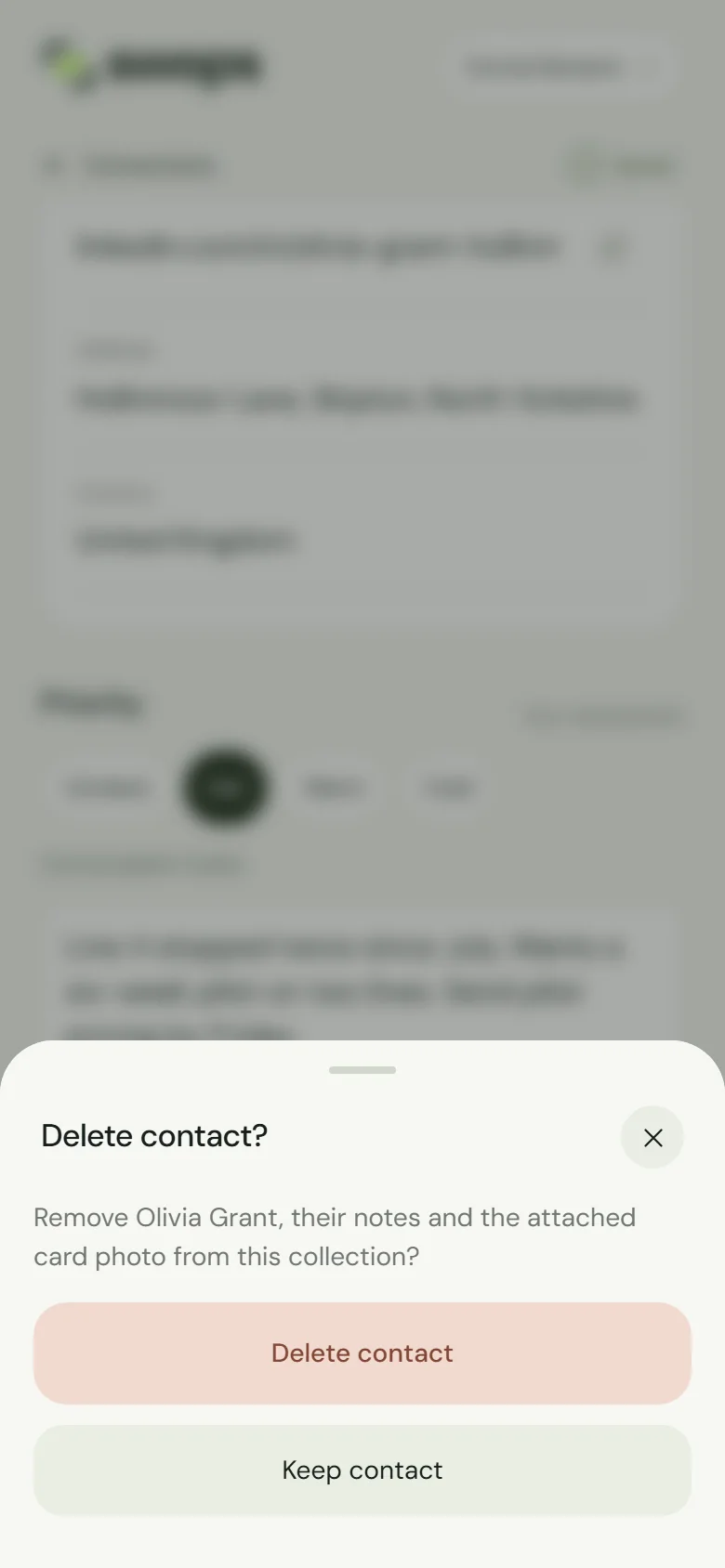
Deleting cannot be undone. See Delete a contact.
Archived collections cannot be changed: restore the collection first (Rename, archive and restore a collection). During the 30-day Export only period after a plan ends, contacts cannot be changed or deleted one by one; everything in the workspace is deleted when those 30 days end. Need help in either case? Contact us.
If they contact Swops instead
Some people will write to Swops. Swops does not answer the request itself. Where it can tell who added the details, it passes the request on to you and refers the person to you.
The follow-up email
If you switched on the instant follow-up email, the people you scan receive your message from “(your name) via Swops”. At the foot it says you saved their card with Swops, with a Privacy link to section 10 of the Privacy Notice, written for people whose details were added by a Swops user. It explains that you are responsible for their details and that they should contact you.
You are the sender of these emails. Send them only to people who gave you their card. See The instant follow-up email.
Research is about the business
A business analysis researches the company, never the person. Swops does not send the contact’s name, email address, phone numbers or notes to the research. A brief can still mention people connected with the business, such as a founder, when public sources do. A saved brief belongs to the business, so deleting a contact does not delete it.
The Terms do not allow using Swops to research, track, profile, monitor or expose private individuals. See What the AI sees.