
When it is worth it
Swops never updates a brief by itself. Research again when:
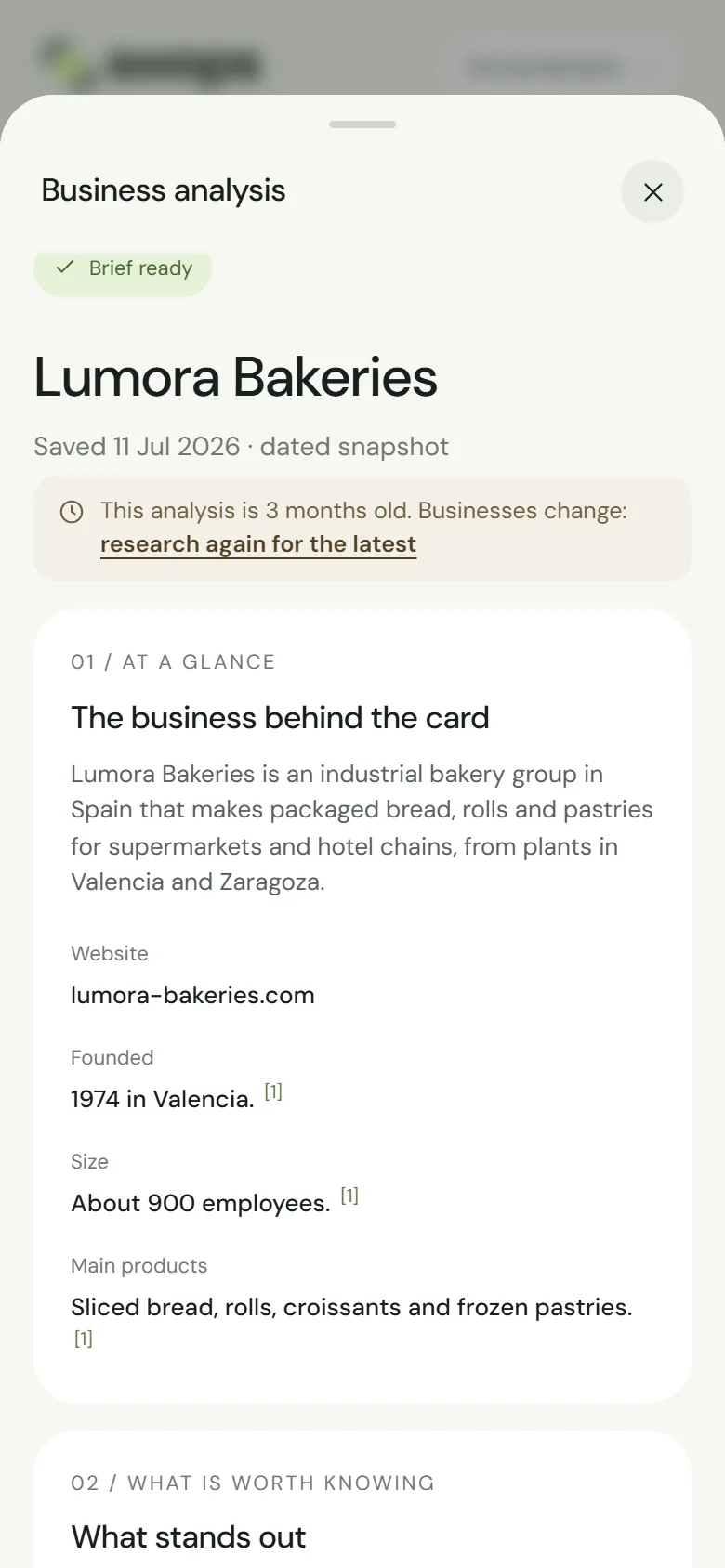
- the brief is getting old. From one month on, it says so at the top: “This analysis is 3 months old. Businesses change: research again for the latest”.
- an important call or meeting is coming up and you want this month’s news.
- the brief described the wrong business and you have corrected the contact’s company or website.
- you have added or changed your company context and want Relevance to you to use it.
How
Open a contact at that business and tap Read full analysis.
Tap Research again · 1 analysis under the brief, or the link “research again for the latest” in the age note.
Swops asks Request fresh research? and explains: “Reopening the saved report is free. A fresh research request uses one analysis and updates the workspace’s report for this business.”
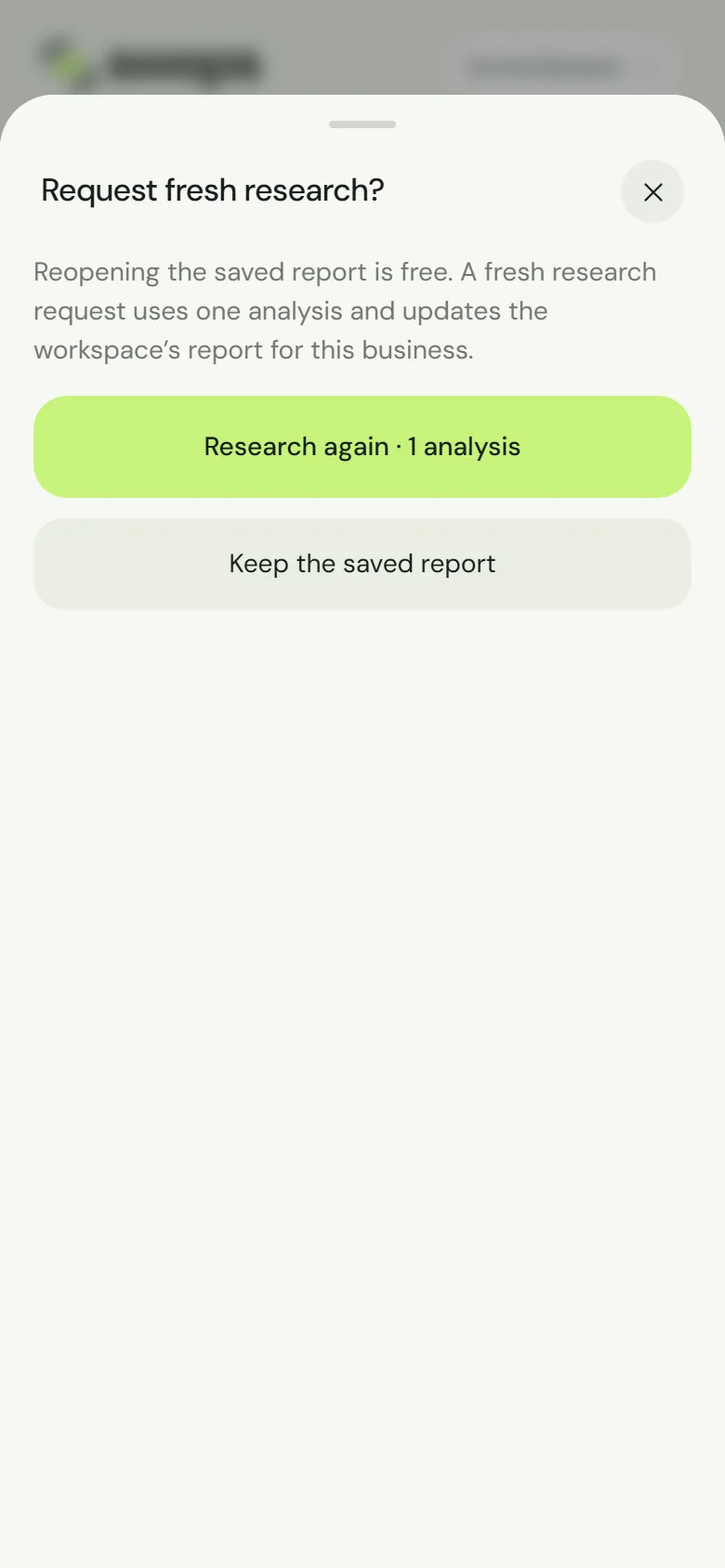
One analysis for fresh research. Reopening stays free. Tap Research again · 1 analysis, or Keep the saved report if you change your mind.
The research then runs as usual: a quick look within seconds, the full brief a minute or two later. See Analyse a business.
What changes
- One analysis is used, as for a first analysis. If the research fails, it is given back.
- The new brief replaces the old one for everyone in the workspace and on every contact at that business. The old version is not kept.
- The date starts again: “Saved” shows today.
Export the collection first with Include AI analysis ticked. The CSV keeps the old overview, In more depth and research date. See Export contacts to a CSV file.
When the quick look works but the full analysis cannot finish, the short version becomes the saved brief in place of the old one, with the note “This is the short version: the full analysis could not finish this time, so your analysis was not used. Tap Research again for the full brief.” If the research fails completely, your previous brief stays as it was. See When research does not complete.
When you cannot
- From Intelligence. Open a contact at the business instead: research always starts from a contact.
- In a read-only collection (archived, or after paid access ends) the button is greyed out and the age note has no research link. You can still open the saved brief. If the collection is archived, restore it, or open a contact at the same business in an active collection: the brief is shared. See Why a collection is read-only.
- No analyses left. See Top-ups.
- The hourly limit. Fresh research counts towards the 30 analyses each person can start in an hour. See “You can scan up to 60 cards an hour”.