

What it is
Company context is a short description of your own company: its name, what you offer and who you serve. Swops uses it to write the Relevance to you section of each brief (“For Corvia Sensors”): where your offer could matter to the business you have met.
It is optional and free: setting it up uses no analysis. Without it, Swops assumes no industry and leaves relevance out.
Set it up
On the phone, open Account›Your workspace›Company context. On the laptop, choose Company context in the sidebar. You can also get there from Intelligence, or from the relevance section of any brief.
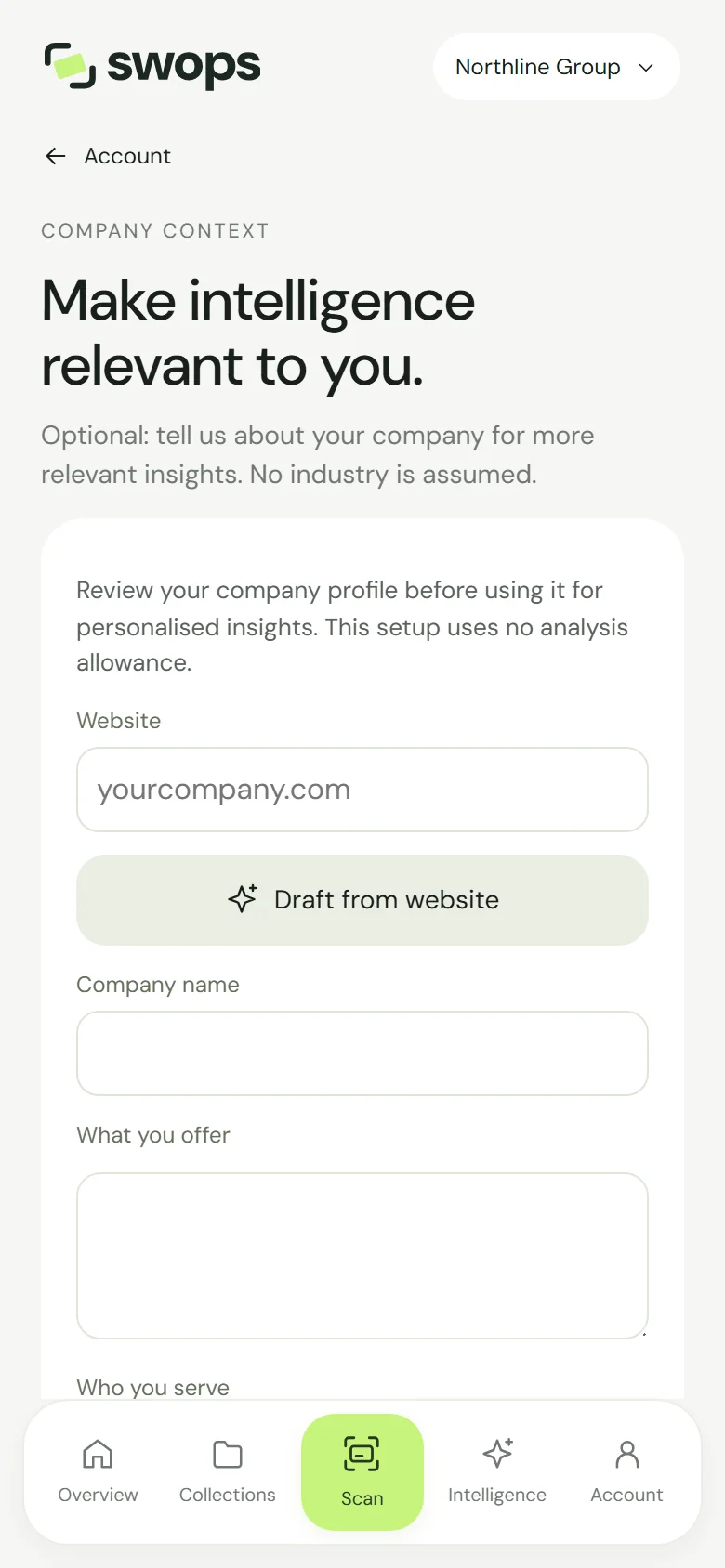
Make intelligence relevant to you. Type your company’s website and tap Draft from website. Swops reads your site (“Reading your website…”) and fills in the company name, what you offer and who you serve.
Read the draft and edit anything that is not quite right: “Drafted from northline.example. Review and edit before confirming; nothing is used until you confirm.”
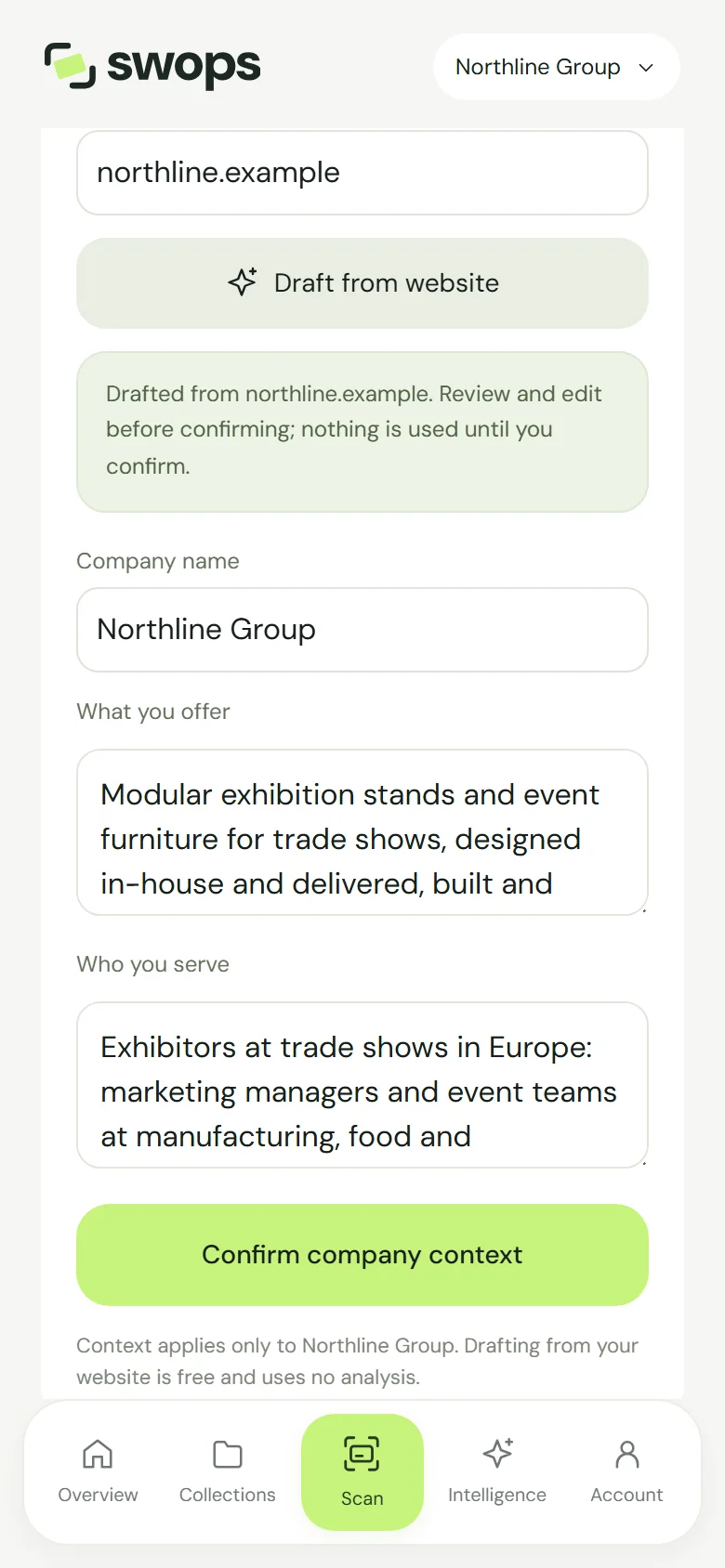
A draft from your website. Edit it, then confirm. Tap Confirm company context. Swops shows Company context confirmed, and the page says “Confirmed 13 Oct 2026. Research in Corvia Sensors uses this context.”
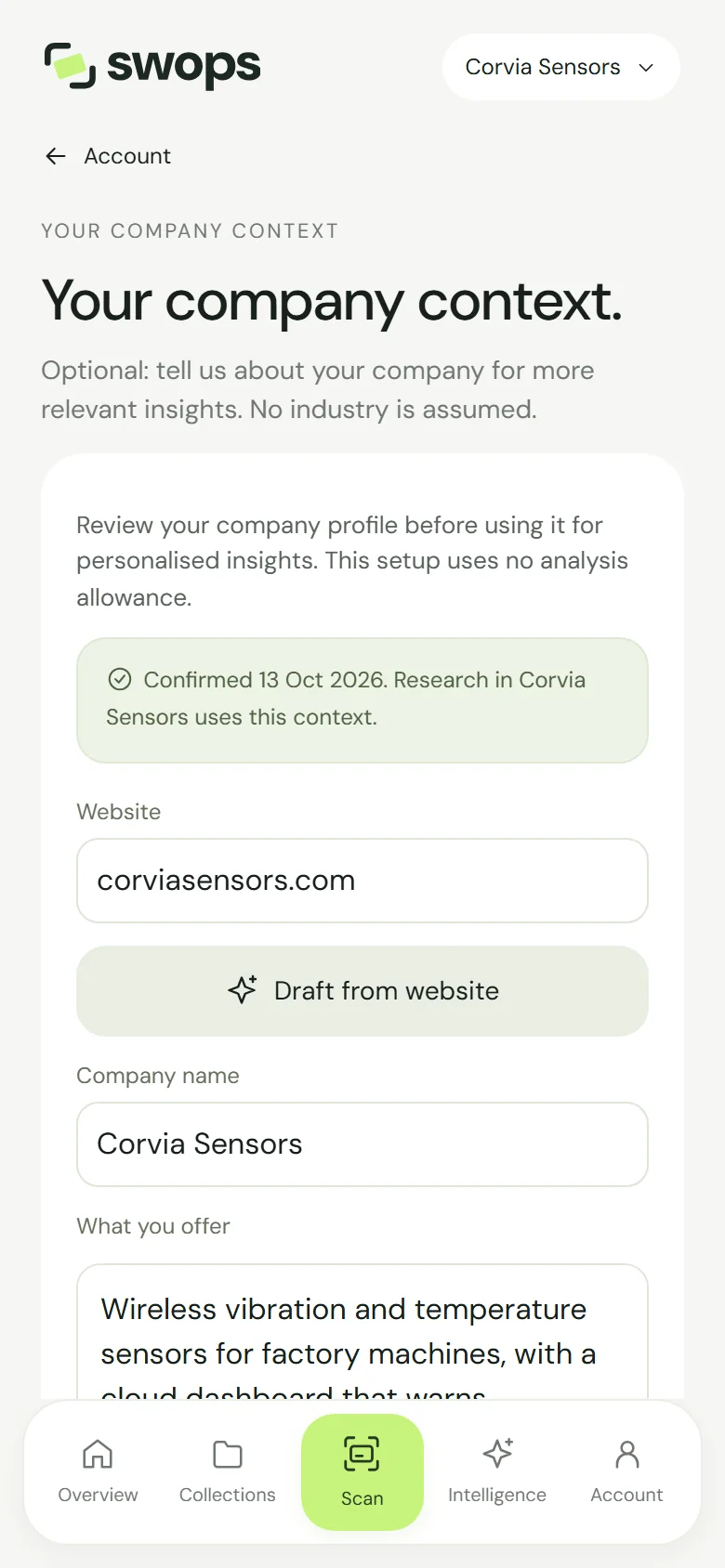
Confirmed. New research in this workspace uses it.
Prefer to write it yourself? Skip the draft and fill in the fields. The company name and what you offer are required; who you serve is optional, but it helps.
Tips for useful relevance
- Be concrete about what you sell. “Wireless vibration and temperature sensors for factory machines” gives the AI more to work with than “Industrial IoT solutions”.
- Name the customers you want: industries, job roles, regions, company sizes.
- Keep it current. New product line? Update the context and confirm it again. New briefs follow.
Good to know
- One per workspace. Your personal space and each company workspace have their own context. Set it up in each workspace where you research. The page reminds you: “Context applies only to Northline Group.”
- Shared by the team. In a company workspace, any member can edit and confirm it, not only the owner. The change applies to everyone’s new research.
- Only new research uses it. Briefs you already have keep the relevance they were written with, or none. To update one, research again: it uses one analysis. See Research a business again.
- Nothing counts until you confirm. A draft, or edits you have not confirmed, are not used.
- Five drafts a day. Draft from website works 5 times a day per workspace: “You can draft company context 5 times a day. Try again tomorrow, or fill it in yourself.”
- The draft did not work? Check the address and try again, or fill in the fields yourself: “We could not draft from that website. Check the address and try again, or fill it in yourself.”
- Read-only after a plan ends. “This workspace is read-only. Choose a plan to change its company context.”
Your company context goes into each new research, together with the company name, website and country. See What the AI sees.