
At the top
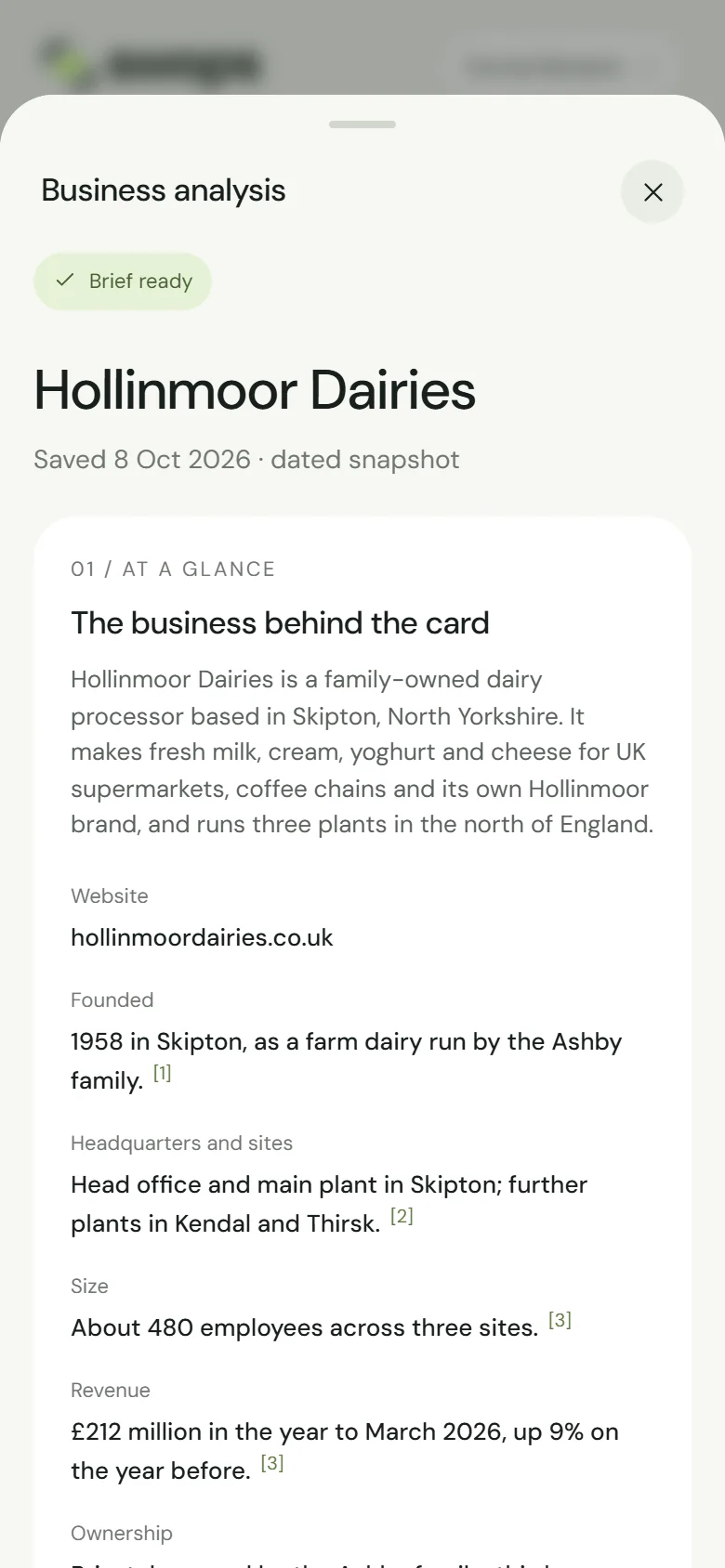
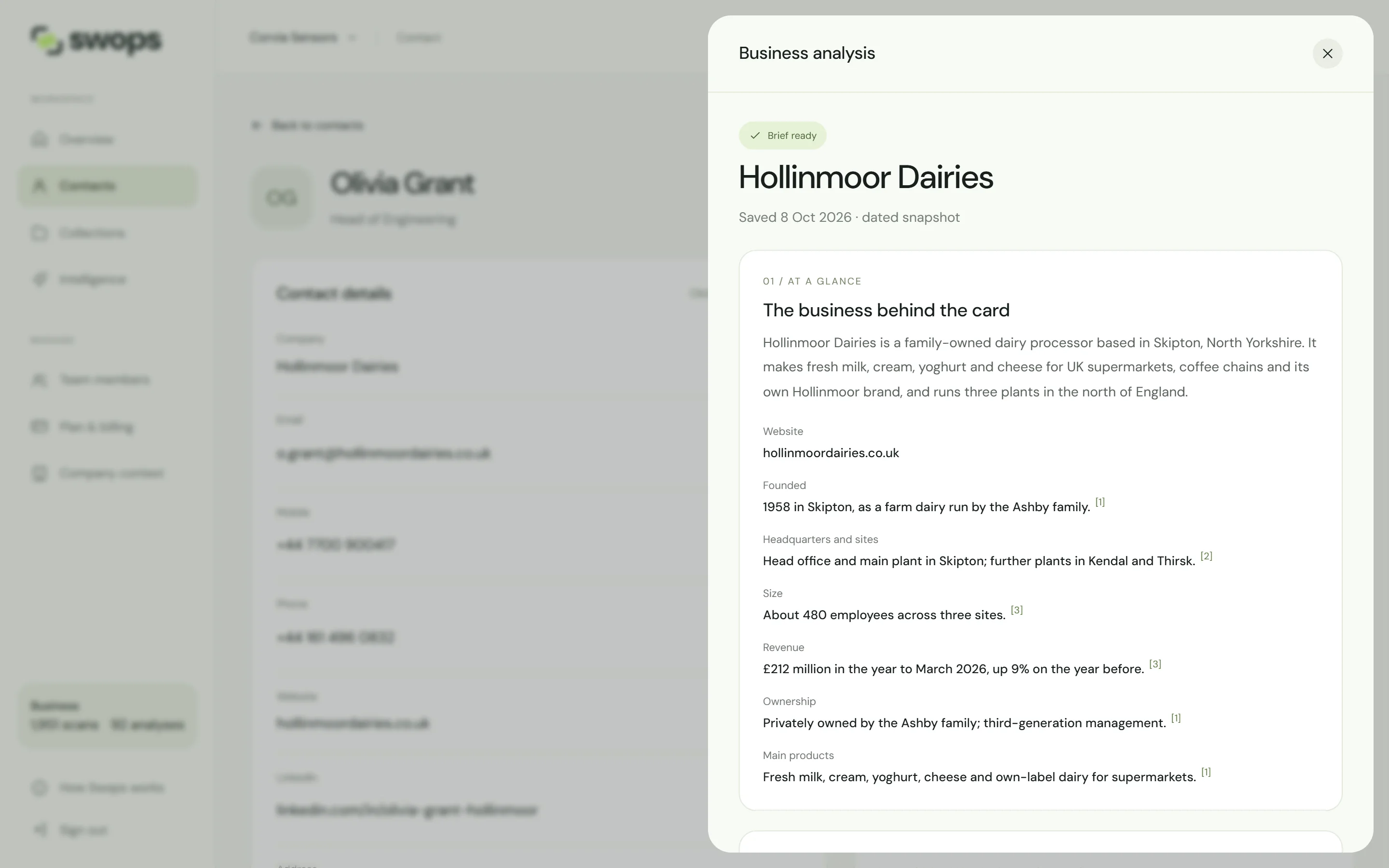
The company’s name, and Saved 8 Oct 2026 · dated snapshot: the day the research ran. A brief does not update itself. Once it is a month old, a note says how old it is, with a link to research again. See Research a business again.
The sections below are numbered in order. A full brief usually runs from 01 / At a glance to 05 / In more depth. When What stands out or In more depth has nothing to show, it is left out and the numbers after it move up, so “In the news” is 03 in one brief and 02 in another.
At a glance
Under The business behind the card, two or three sentences on who the company is, what it does, for whom and where. Then the key facts: the website, and where the sources say, when it was founded, its headquarters and sites, its size, its ownership and its main products. Facts come from the company’s own website first. A small number such as [1] after a fact points to its source.
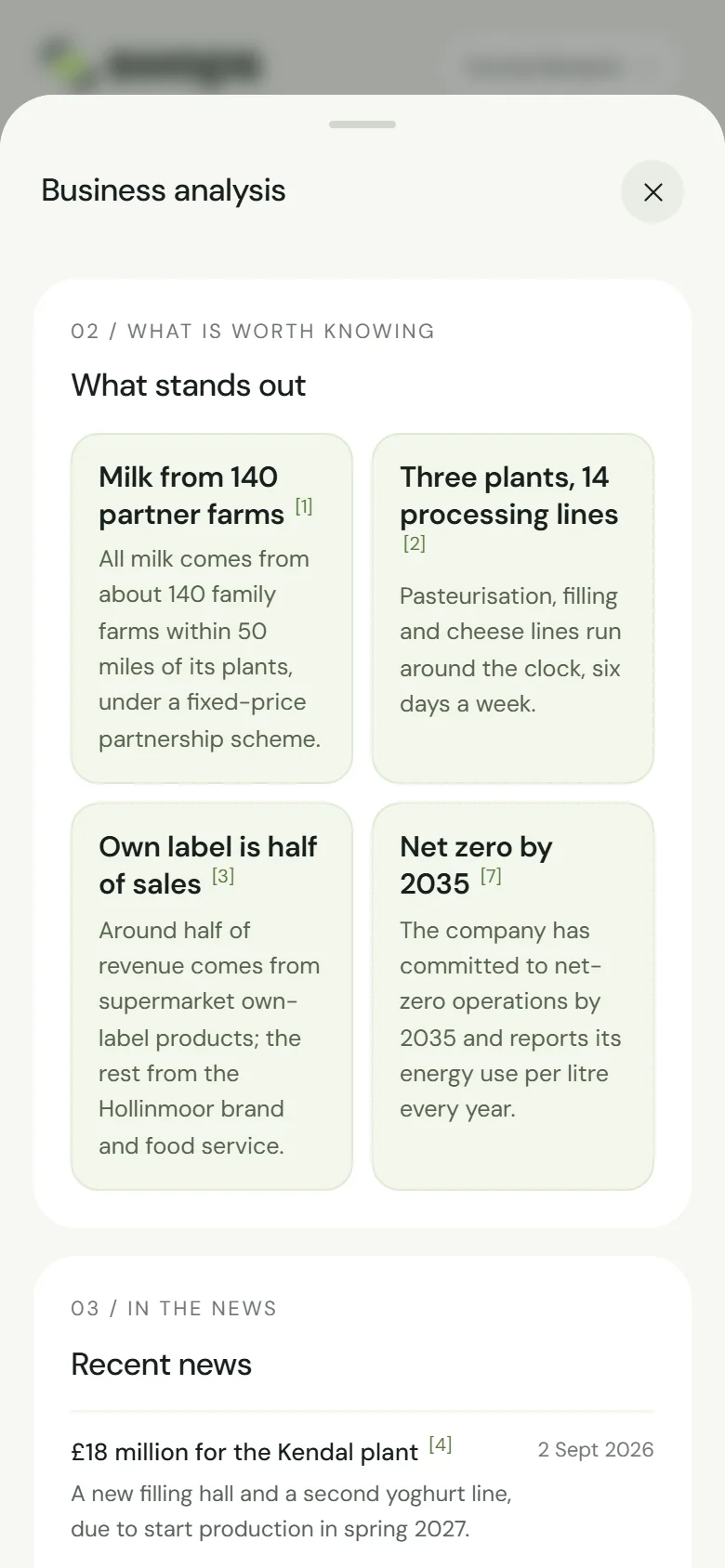
What is worth knowing
Under What stands out, three to five lasting things worth knowing before a meeting: scale and reach, capabilities such as an own factory, certifications, notable projects or customers. Not news, and not a repeat of the facts.
In the news
Under Recent news, up to five news items from the last 24 months, newest first: contracts, partnerships, launches, expansions, events, awards, leadership changes. Each has its date on the right and a source number.
When the research finds nothing recent, the section says “No recent news was found for this company in the last two years.” That is worth knowing too.
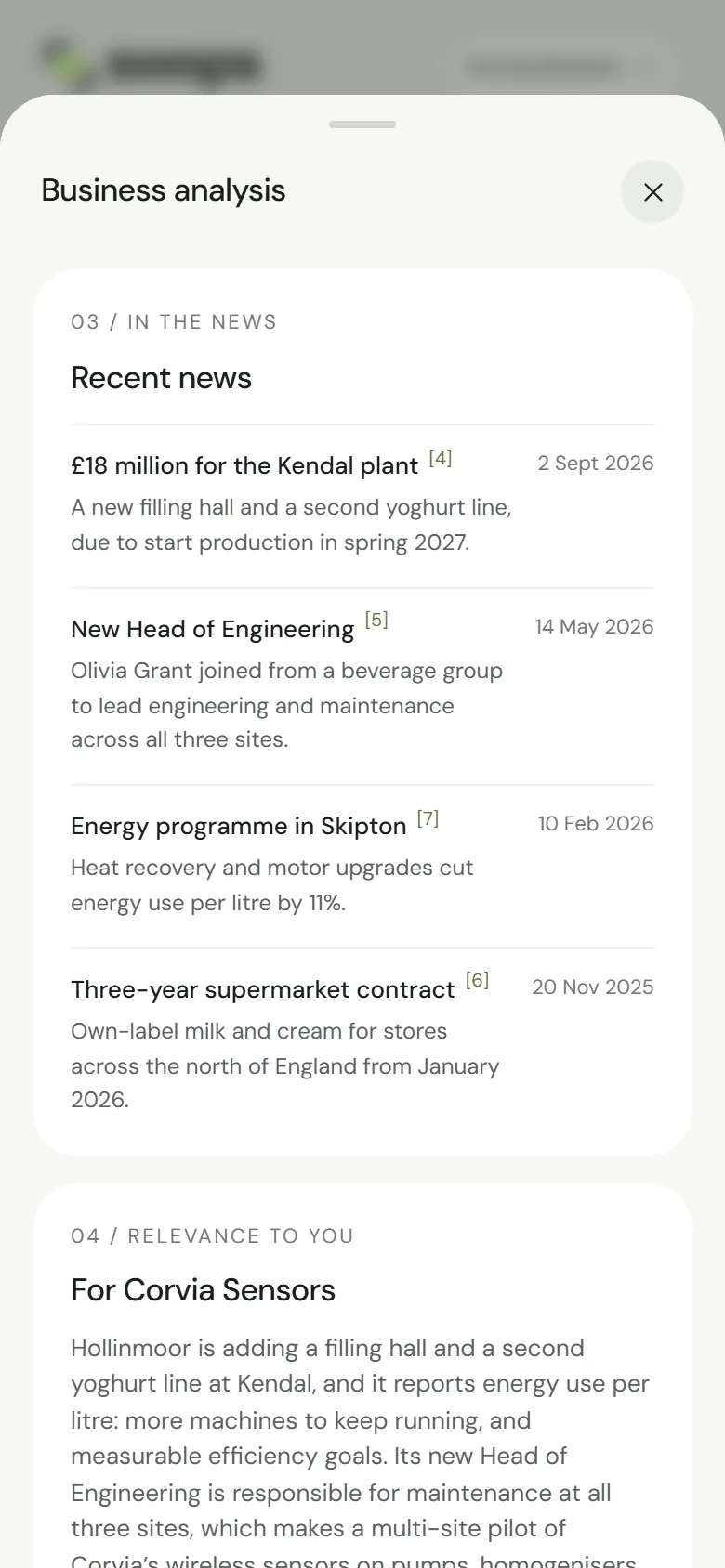
Relevance to you
Under a heading with your company’s name, such as For Corvia Sensors, two or three sentences on where your offer could matter to this business, based on what the research found. When there is no clear fit, it says so plainly.
This section needs company context: a short description of your company, confirmed by someone in the workspace. Without it you see “Add your company context for more relevant suggestions. No industry or company fit is assumed.”, with a link to add it. If you added company context after this brief was made, it says “Relevance was not assessed for this brief. Fresh research uses your confirmed company context.” See Add your company context.
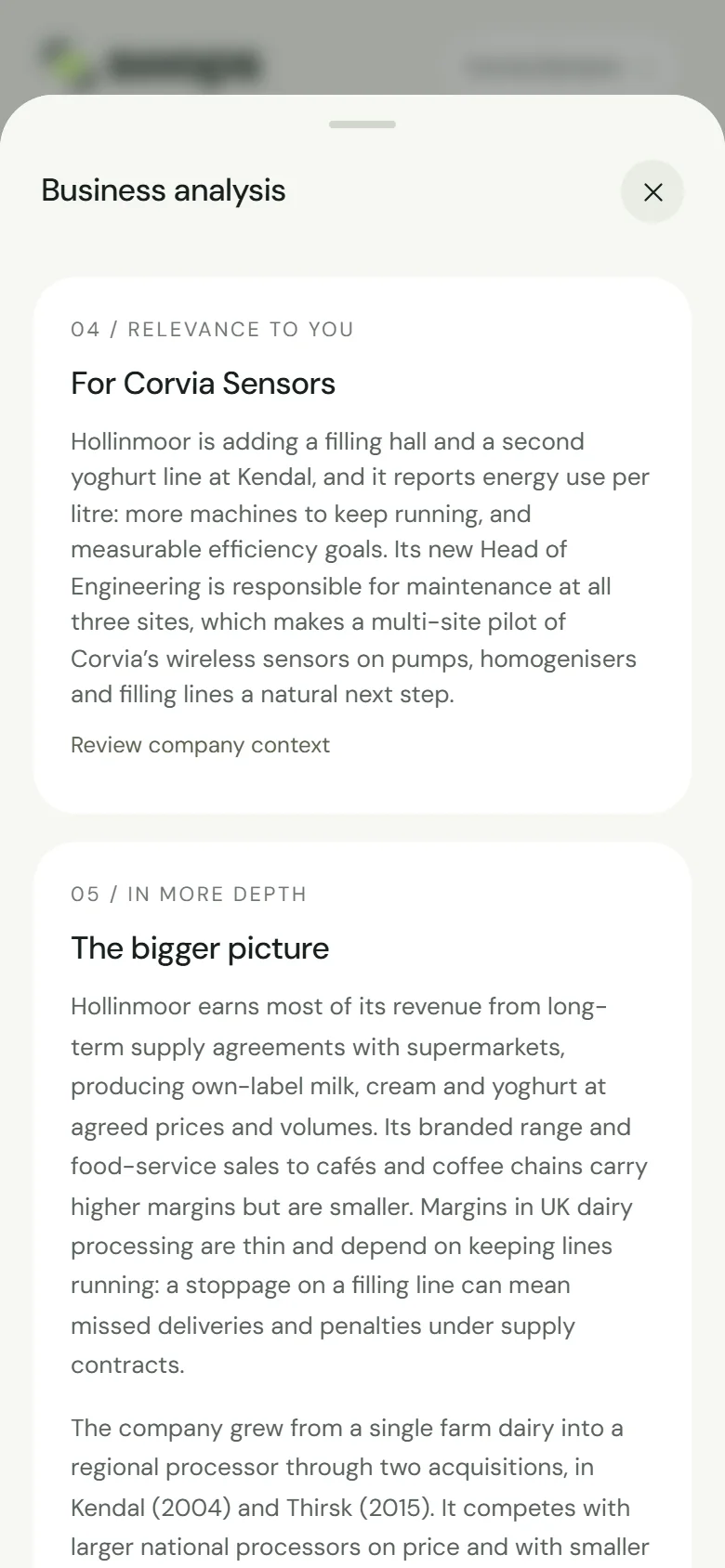
In more depth
Under The bigger picture, two or three short paragraphs on how the company makes money, its market and competitors, its typical customers, its history and where it is heading. Only a full analysis has this section, and only when the sources say enough. Thin sources mean a shorter section, or none. The quick look never has it.
Sources
Under Where this comes from, a numbered list of the pages the research used, each with its site and, when known, its date. The numbers match the [1], [2] markers throughout the brief. Tap one to open the page. See Check the sources.
The last lines
A note with an info icon may follow, with anything the research could not confirm: two companies with a similar name, information that may be old, or the fact that you are reading the short version. Every brief ends with AI can make mistakes.
On the laptop
The same brief opens in a panel beside the contact, or over Intelligence.
A brief is about the company, not about the person on the card. In a CSV export, the overview and In more depth come along with the research date. See Export contacts to a CSV file.